
How I build context in my Obsidian notes
I build context so the note that owns the work shows exactly which notes, sections, and external sources are relevant.
When it comes to context, less is more:
- more tokens solving the problem, less on retrieval
- more focus on what matters to produce the best result
- less chance that unrelated material pulls the work in the wrong direction
- less time rebuilding the same context for every delegation
What I am trying to avoid
I do not want AI guessing from memory.
I do not want to keep iterating in a long chat thread to prevent losing context.
I do not want to dump my whole vault into a chat and hope the model notices what matters.
I do not want context to be rebuilt for every delegation.
I do not want similar notes to be mistaken for relevant notes.
What I do instead
I make context visible in the note before delegating.
Depending on the work, that looks like:
- links under a
Contextheading - a Smart Context codeblock
- named context packages for reusing the same context across multiple outcome notes
This page is about building and attaching context.
When the note is ready to be copied as an assignment, use How I use my notes as assignments for delegating work to AI in Obsidian.
The rule I use
A source belongs in context when it helps produce the desired result.
A source does not belong just because it is related.
| Context type | Use when |
|---|---|
Links under Context |
The note only needs to point at a few relevant sources. |
| Smart Context codeblock | The context should stay attached to this note as a visible package. |
| Selected section / block | Only one part of a longer note matters. |
| Named context | The same context package will be reused in other outcome notes. |
My default pattern:
## Context

- [[specific useful note]]
	- Use for: [why this matters to the result]
- [[another useful note]]
	- Use only for: [specific section, constraint, source, or example]
The Use for line is important.
It tells future me, and AI, why the source belongs.
The exact workflow
1. Add a Context section
I start with a plain Context heading.
## Context

- [[specific useful note]]
	- Use for: [why this note matters]
- [[another useful note]]
	- Use only for: [specific section, constraint, source, or example]
- [external source]
	- Use for: [why this source belongs]
The goal is to make relevance visible.
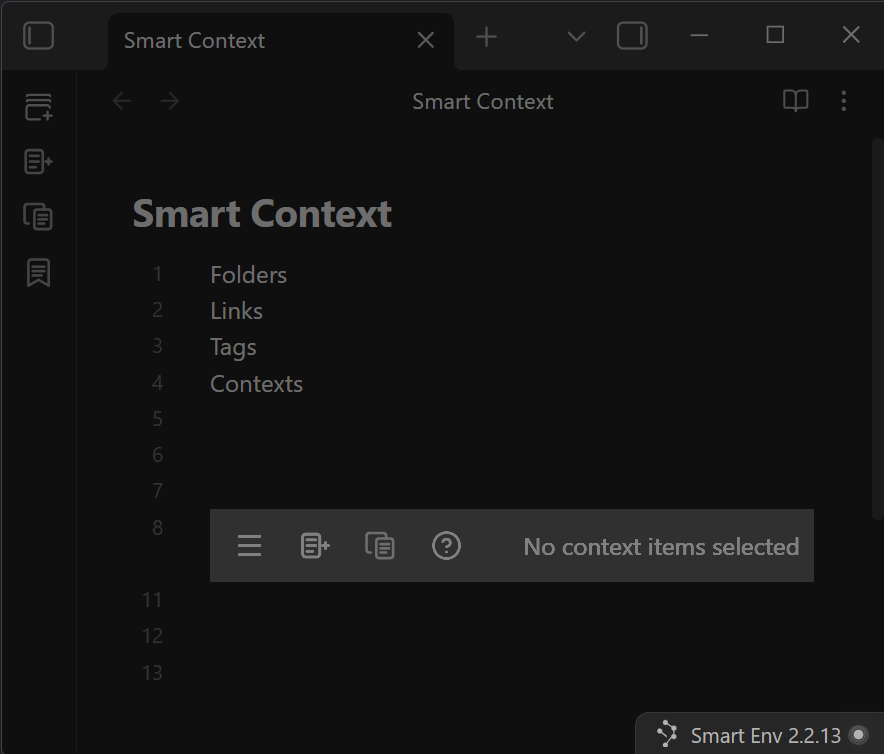
2. Insert a Smart Context codeblock
When I need a lot of context, I insert a Smart Context codeblock. The context builder makes it easy to create larger contexts.
Run:
Smart Context: Insert codeblock
That adds a context block inside the note.
## Context

```ctx
```
3. Open the Context Builder
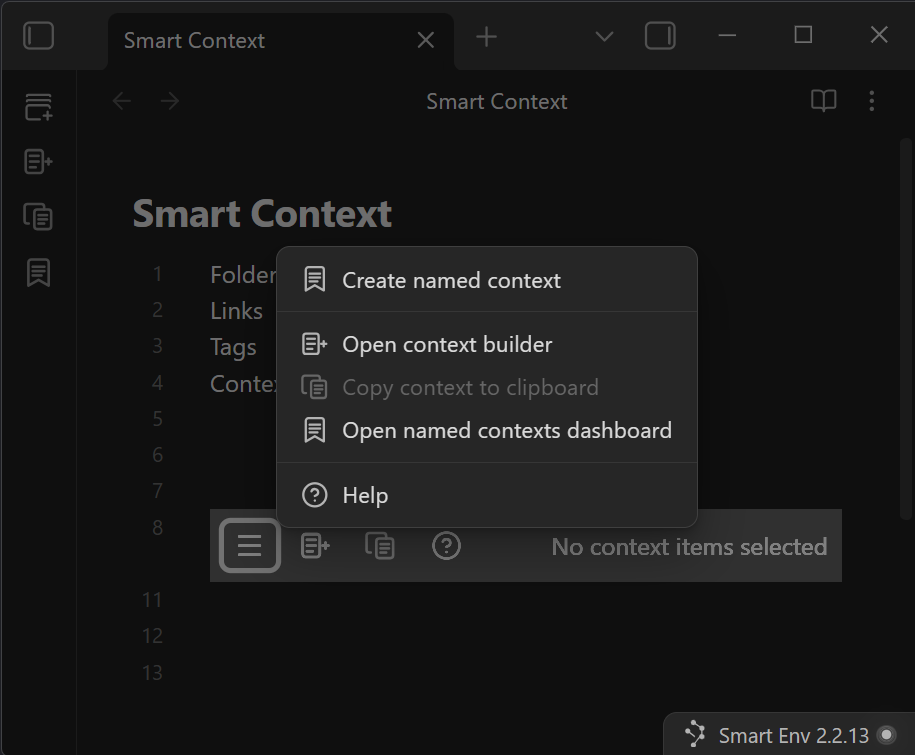
From the codeblock menu, open the Context Builder.
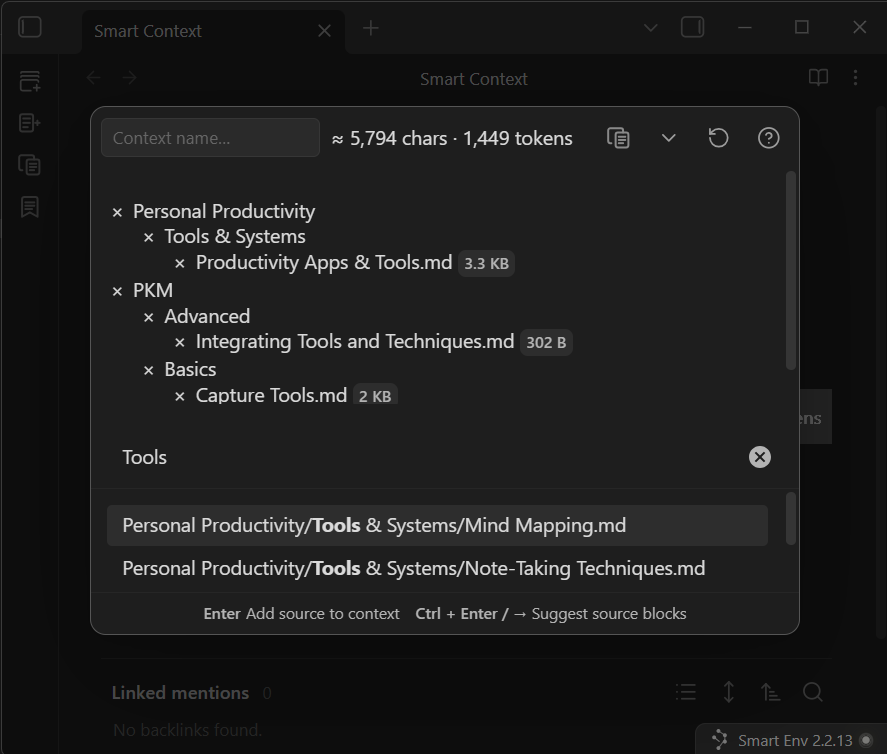
The Builder is where I add the notes, blocks, existing named contexts, and external sources that should be attached to the note.
4. Add what matters
I add sources based on what the delegated work needs to know.
The useful question is:
What context would help produce the best result?
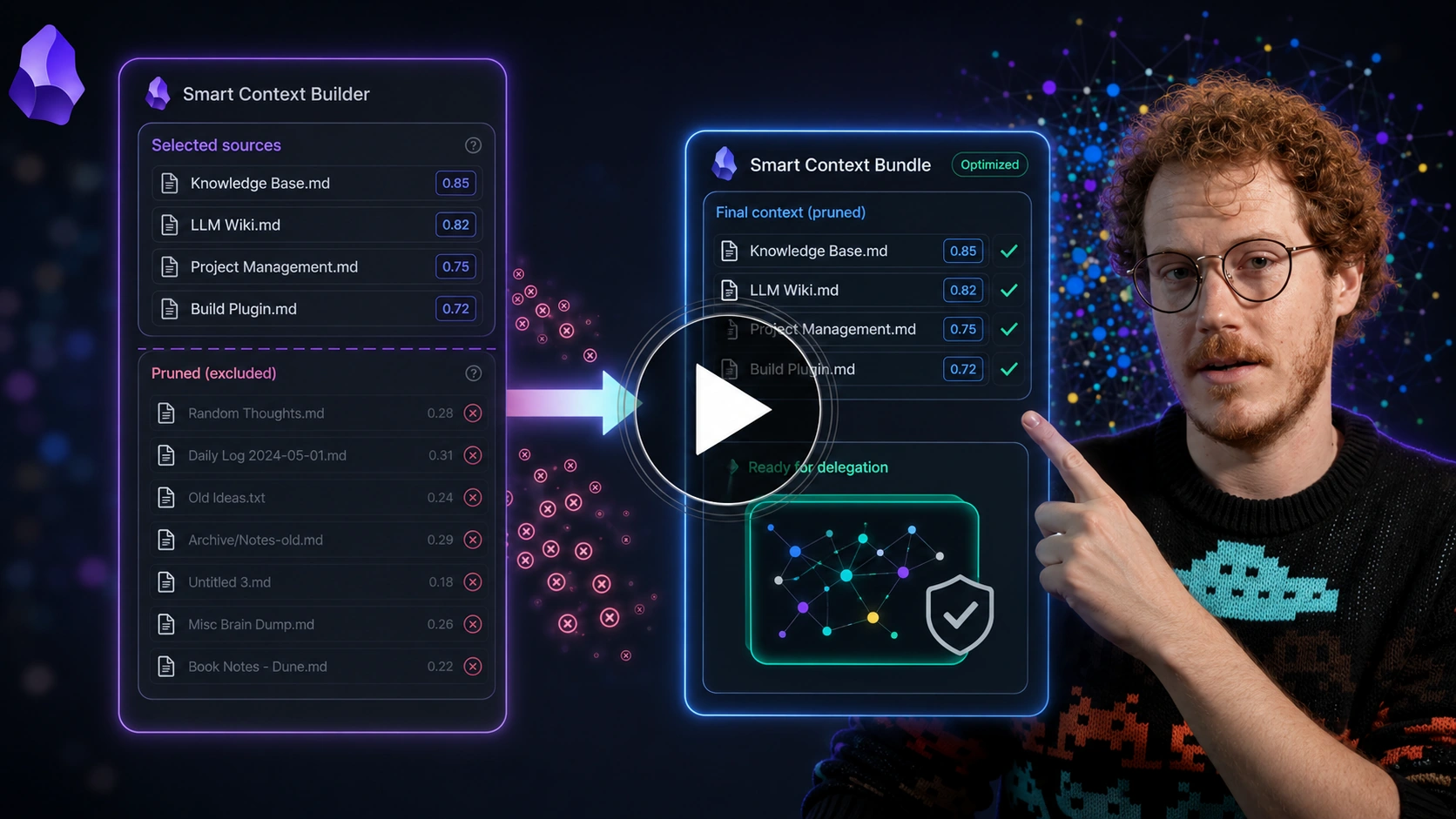
Callum turns related notes into a context bundle, then prunes the set. That is the practical version of the rule: a source belongs when it helps produce the desired result.
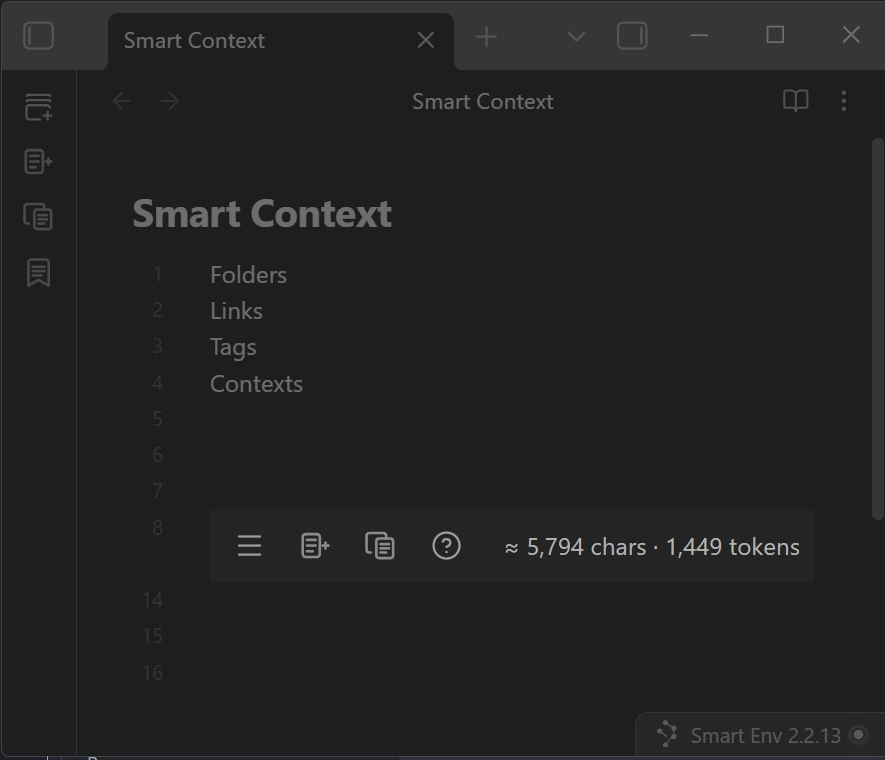
After adding context, the codeblock shows how much context is attached directly in your note.
5. Name context when it should be reused
If the same context package will help across multiple outcome notes, I save it as a named context.
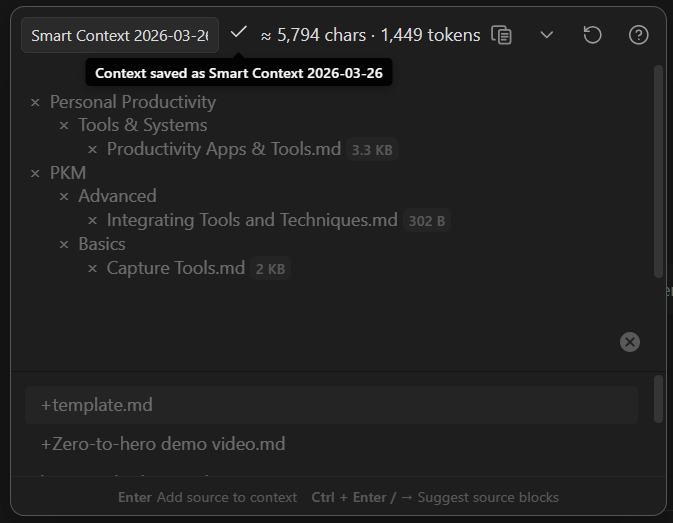
A named context is useful when it prevents rebuilding the same context again.
Named contexts can also be used to clean-up the context codeblock. For example, if you added 20 context items to the codeblock then it will have 20 lines inside the codeblock. Converting to a named context will replace those 20 lines with a single line.
Related
| When I need to... | I use... |
|---|---|
| Find useful notes before building context | How I link notes without spending time organizing or searching in Obsidian |
| Copy the note and attached context as an AI assignment | How I use my notes as assignments for delegating work to AI in Obsidian |
| Create the note that owns the outcome | How I use outcome notes to go from idea to outcome in Obsidian |
| Keep delegated work attached to the note | How I manage chat threads in my Obsidian notes |
| Separate trusted context from unreviewed material | How I maintain trust while leveraging AI in my notes |
| Read the Smart Context Builder docs | Smart Context Builder |
| Read the Smart Context codeblock docs | Smart Context codeblock |
| Copy the current note with depth control | Copy current note as context |