
How I maintain trust while leveraging AI in my notes
I use AI heavily, but I do not want AI output to silently become source-of-truth in my notes.
My main rule is simple:
Trusted notes should be in my own words, or reviewed well enough that I can trust them as context.
Raw AI output and clipped website content can still be useful. I just do not want them mixed into the trusted parts of my vault as if they already earned that trust.
What I am trying to avoid
I do not want raw AI output mixed into trusted notes.
I do not want clipped website content and raw AI outputs to steer delegated work as if they were sources-of-truth.
What I do instead
I keep a visible trust boundary.
- high-trust note sections that I maintain carefully
- a
workspacesection where clipped or copied content can exist without worry - an empty staging note in my inbox for pasting and reviewing AI outputs
- links to external source material instead of copying it into trusted notes
The rule I use
A note section is trusted when I understand it and would stand behind it.
If I do not understand it yet, I keep it in a workspace area, staging note, or clearly labeled workspace section.
| Material | Default location |
|---|---|
| My own reviewed decisions, constraints, and criteria | Trusted section |
| Raw AI output | Workspace section or staging note |
| Clipped website content | Dedicated folder |
Don't make the mistake of treating clipped/copied content as trusted just because you read it through and it appears correct.
One way to validate your understanding is rewriting the important parts in your own words, which produces trusted content in the process.
Why this preserves control
I still use AI to help me review, compare, and find discrepancies in my notes. But I draw the line at letting it produce notes for me.
The note stays trustworthy exactly because I decide what gets included in trusted sections.
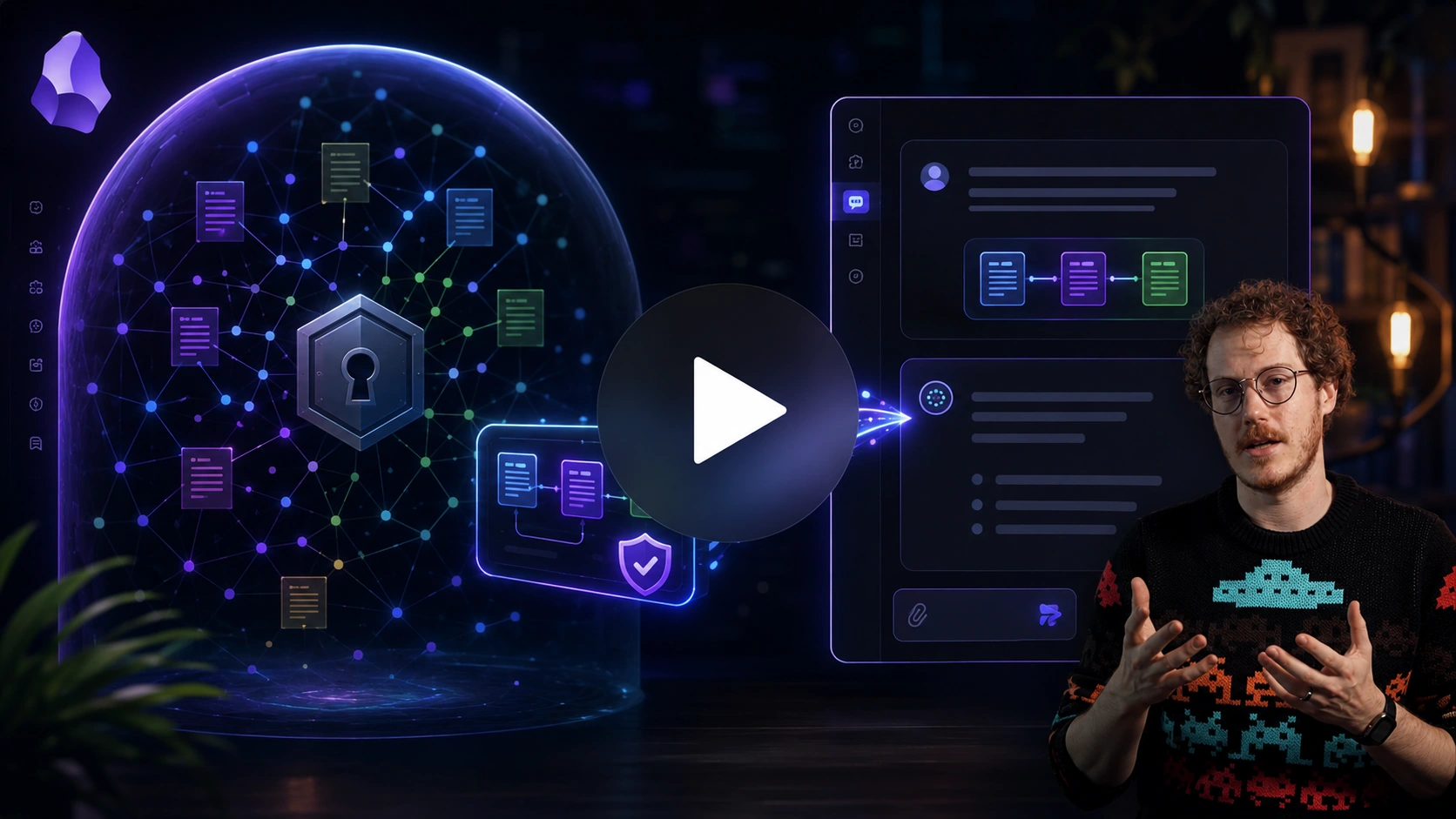
Callum states the boundary clearly: AI is not searching the whole vault; it only receives the context explicitly added to the chat. That is the same control this page protects in note form.
The exact workflow
Markdown headings and sections create the visible trust boundary.
Smart Environment settings exclude supported sources, folders, or files from indexing.
Smart Context block selection and Pro heading filters control which sections enter a copied context package.
Smart Environment does not provide the section-level boundary described here. Section-level copy control belongs to Smart Context.
1. Add a visible trust boundary
When my note might benefit from clipped or copied content, I add a workspace section:
# workspace
[pasted content goes here]
I like the label "workspace" because it also implies that the contents are being worked on, and not to be confused with higher-trust reference material.
Since I aim to minimize untrusted content in my vault, a single section in a note is usually sufficient.
Sometimes I also leverage a "staging" note, which is an empty note I keep in my inbox that explicitly for pasting content that I need to review.
For example, I like when chat produces tables for research, but I prefer copy and pasting the table into my staging note where I can use the native Obsidian table features to re-sort the rows or otherwise interact with the table to help my review process.
Another strategy is using folder organization to separate untrusted material. If generated content makes up more than 50% of the notes in your vault, folder organization is likely the best strategy.
2. Maintain the highest-trust section first
Long notes can become expensive to maintain.
So I focus first on the section that should be most trusted.
For outcome notes, that is:
## What Done Looks Like
If this section is accurate, the rest of the note becomes easier to review.
If this section is wrong or vague, future delegated work can go in the wrong direction even when the context is large.
3. Use AI to help manage notes without generating note content
I aim to keep my high-trust sections of the note lean by moving details and supporting material to a reference section. But the reference section often gets bloated and that increases the risk of erroneous details that can derail delegated work.
I want AI to help maintain the accuracy of the reference section without introducing new untrusted content into my note.
So I often ask AI to help find possible discrepancies between a high-trust section and the rest of the note.
The important part is that I am asking for recommendations, not automatic edits.
Produce a table of discrepancies between the "What Done Looks Like" section and the rest of the note. Include columns for:
- the discrepancy
- likelihood of outsized impact (%)
- why it matters
- recommended change
4. Keep context packages pointed at trusted material
When I am preparing context for AI, my goal is to only send the trusted parts of the note that are relevant to the current objective, not the entire workspace or notes about things I might want to do in the future.
Depending on the note, that might mean:
- selecting only trusted sections using a Smart Context codeblock
- excluding headings like
Workspacewhen copying context
Smart Context Pro can support heading exclusions for copied context. In addition to excluding the "workspace" section, I also exclude "completed" and "someday-maybe" sections.
What should be visible after completion
The note should make trust boundary obvious.
Before:
- raw AI output, clipped content, and trusted notes blur together
- future context may include material that was never meant to be considered source-of-truth
- the vault/notes looks more valuable while becoming less reliable
After:
- high-trust material is separated from low-trust material
- raw outputs remain useful without risking confusion with sources-of-truth
- trusted context grows
- progress accelerates with less time spent course-correcting
Common mistakes
Treating all material the same
A note can be easy to retrieve and still be dangerous as context if the content is not trusted.
In addition to explicitly excluding untrusted sections when possible, I keep a few lines in my system prompts (AGENTS.md, skill files, "custom instructions" in chat, etc.) that explain my most trusted sections, like What Done Looks Like.
Copying raw AI output into trusted sections
Raw output can be useful, but it should not be mixed with trusted notes.
Hiding uncertainty
Uncertainty is not the problem. Unlabeled uncertainty is the problem.
If I'm unsure about something, it's easy as adding some question marks ????? to signify the uncertainty.
Making the workspace a permanent junk drawer
A workspace section is useful because it is temporary, reviewable, and clearly lower trust.
If it keeps growing, that means I'm not actually using it as a workspace but a junk drawer.
If I'm afraid to delete it, then I move the contents to an "archive" note so I can reclaim my workspace. That clean workspace tends to jumpstart my progress. That progress, and after some time passes where that archive note remains untouched, I usually feel a lot better about deleting the archive, too.
Related
| When I need to... | I use... |
|---|---|
| Create the note that owns the outcome | How I use outcome notes to go from idea to outcome in Obsidian |
| Build trusted context before delegating | How I build context in my Obsidian notes |
| Copy the note and context as an AI assignment | How I use my notes as assignments for delegating work to AI in Obsidian |
| Keep delegated work attached without trusting it yet | How I manage chat threads in my Obsidian notes |
| Find useful notes without organizing first | How I link notes without spending time organizing or searching in Obsidian |
| Understand the full Smart Loop workflow | Smart Loop |
| Read the Smart Context docs | Smart Context |