
How I use my notes as assignments for delegating work to AI in Obsidian
I do not start important AI work from a blank chat box.
I start from an outcome note, a note type that facilitates progress.
The Smart Context plugin for Obsidian lets me copy that note, including any attached context, so I can paste it into ChatGPT, Claude, Gemini, an agent, or any other AI workspace I want to use.
What I am trying to avoid
The default AI workflow starts and ends in the AI workspace.
That creates predictable failure modes:
- the prompt starts from memory or a generic library
- the finish line is implied instead of clarified
- useful notes are left behind
- the model gets too little context or too much noise
- the work becomes detached from my notes on the outcome
I want to spend my time directing, not course correcting.
What I do instead
Before I delegate, I prepare the outcome note, a note type where the structure doubles as an assignment with:
- a
What done looks likesection that makes the result judgeable - a
Contextsection with useful links or a Smart Context codeblock - a
Next actionsection that specifies what work should be done next
Then I copy the current note with Smart Context copy current note command and paste it into the AI tool I want to use.
The exact workflow
1. Open the outcome note
Start from the note that owns the work.
The outcome note should be the place where the result will be reviewed, improved, saved, or linked. If this concept is new to you, read How I use outcome notes.
The outcome note should already contain what done looks like, attached context and a clear next action.
2. Copy the current note with Smart Context
Run the command:
Copy current to clipboard (choose link depth)
Or use the Smart Context ribbon icon.
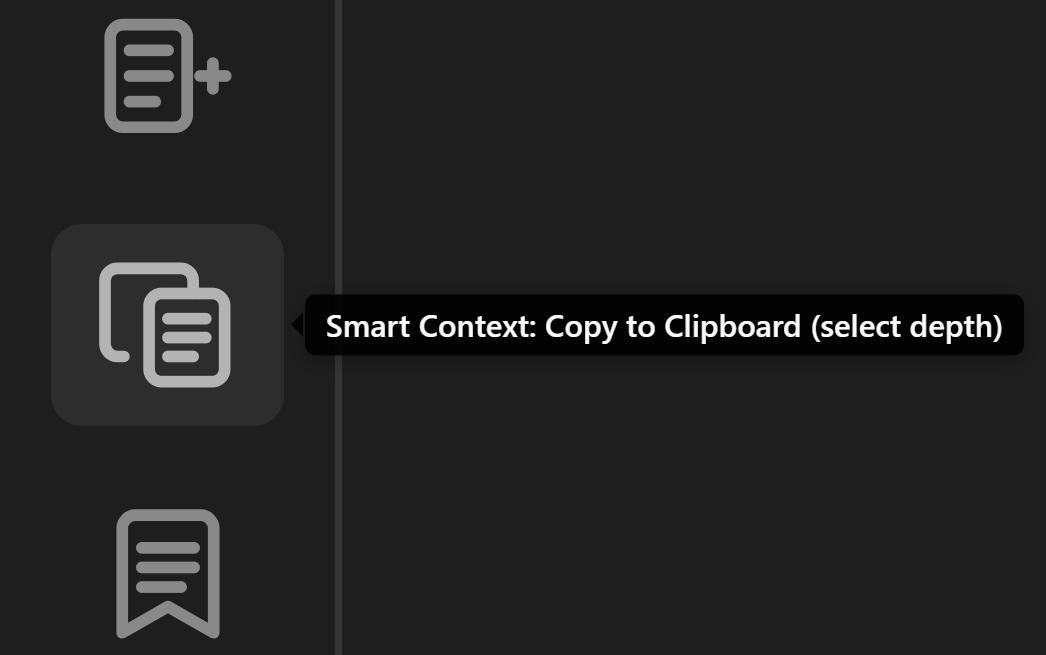
3. Select the context depth
The depth chooser opens before anything is copied.
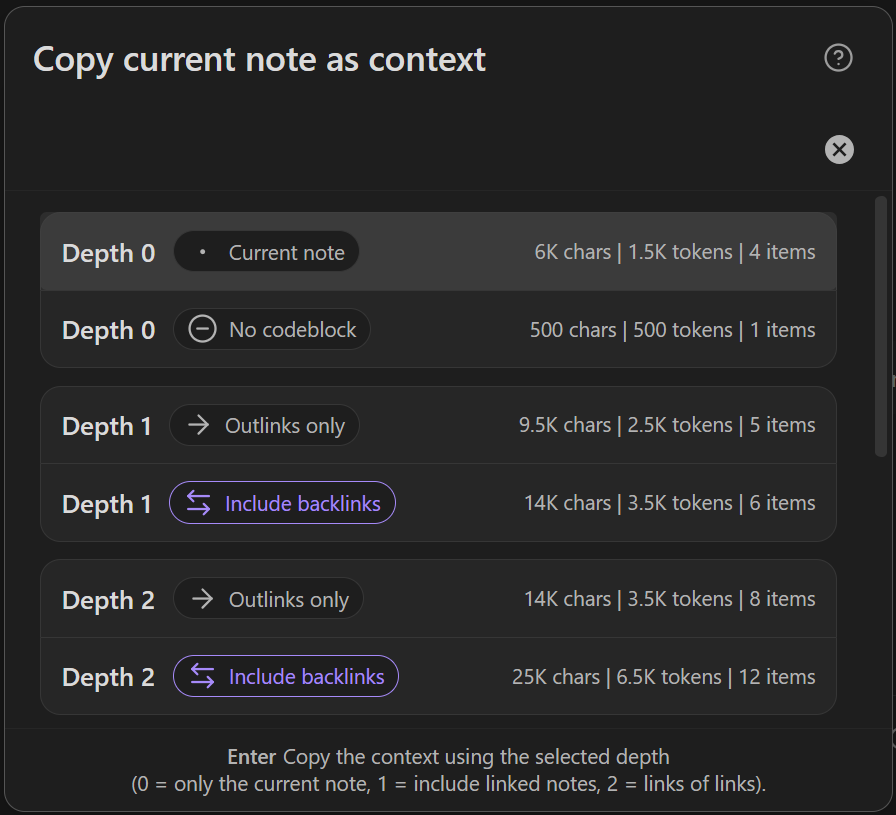
Choosing the correct depth depends on the current note and what the next action is.
| Choice | Use when |
|---|---|
| Depth 0 | The current note already contains the assignment, or the useful context is in the Smart Context codeblock. |
| Depth 0, no codeblock | I want only the current note body and do not want codeblock context included. |
| Depth 1 | The current note links to notes AI needs to see. |
| Depth 2+ | Useful context is not directly linked, but is linked from the linked notes. |
| Include backlinks | Inbound references are likely to add important context. |
Default rule:
Start with the smallest useful depth.
I usually keep all necessary context in the context codeblock, so I typically select Depth 0.
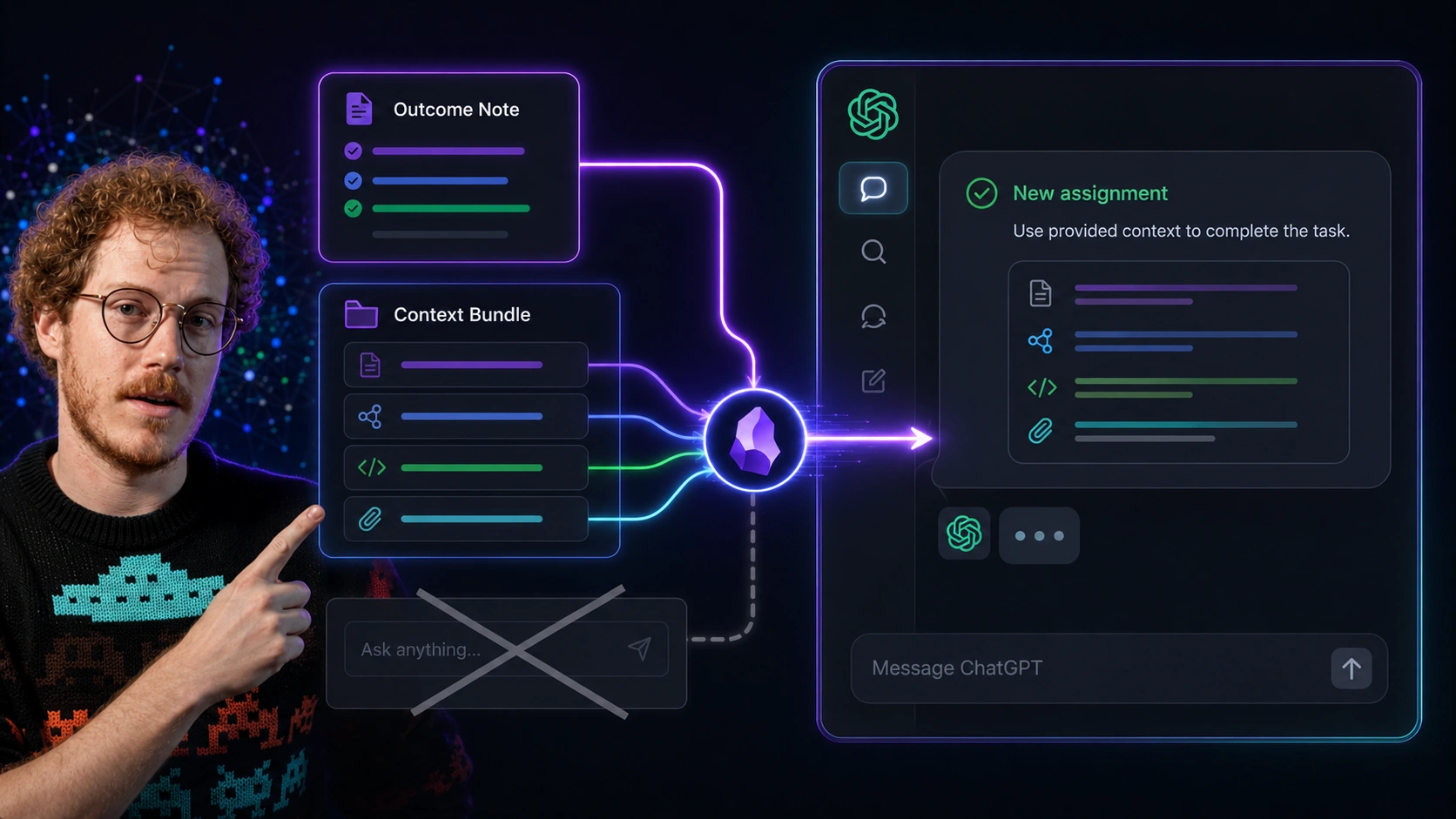
Callum uses the context bundle to start the AI conversation from the project note and its criteria, not from memory or a disconnected prompt.
I use higher depths mostly during the exploratory phase of a new outcome. For example, this workflow might look like adding a few known-relevant links to the current note and a next action like "Identify the most relevant notes from the context." Then notes that are confirmed as relevant can be added directly to the attached context codeblock.
Another less-frequently used option is depth 0 (no codeblock). If the current note starts to get bloated, the only necessary context is the current note with a next action like "Identify discrepancies and redundancies in the current note."
4. Paste the copied assignment into the AI surface
The copied note can be pasted into your preferred AI provider.
The important thing is that AI receives the note as the assignment with all relevant context, not a disconnected prompt with hopes that just the right context is retrieved to produce desired outcome.
For managing the delegated work, see How I manage chat threads in my Obsidian notes.
Common mistakes
Copying more context before improving the note
More context is not automatically better.
If the assignment is unclear, copying more context usually gives AI more ways to misunderstand the work.
Related
| When I need to... | I use... |
|---|---|
| Create the note that owns the outcome | How I use outcome notes to go from idea to outcome in Obsidian |
| Build or attach the context package | How I build context in my Obsidian notes |
| Keep the thread attached to the note | How I manage chat threads in my Obsidian notes |
| Find related notes before building context | How I link notes without spending time organizing or searching in Obsidian |
| Separate trusted notes from raw AI output | How I maintain trust while leveraging AI in my notes |
| Read the Smart Context clipboard docs | Smart Context Clipboard |
| Copy the current note with depth control | Copy current note as context |