
How I use outcome notes to go from idea to outcome in Obsidian
The outcome note provides a trusted place where I maintain what is important, useful, and next.
One place that owns the relevant work.
By keeping one note per outcome it becomes easy to manage the many aspects involved in going from idea to something tangible.
What I am trying to avoid
It's easy to keep creating notes that fail to contribute to my objectives, visions for the future, and overall purpose in life.
When I have something I want to see through to the end, I want one note to hold:
- what I am trying to make real
- what good enough means
- what context matters
- what progress I've made
- what I lessons I've learned that improve the process
- what should happen next
- where I can find the completed outcome when it's done
That is what I use an outcome note for.
The core distinction
A reference note captures something useful to remember.
An outcome note manages progress, from idea to reality.
That difference changes the structure and utility of the note.
A reference note can stay open-ended.
An outcome note needs a clear finish line and a structure that facilitates progress.
The rule I use
One note. One outcome.
If the outcome note becomes unwieldly (too long, too broad) then it can be split into sub-outcome notes where the original outcome note becomes the manager of the smaller outcomes.
When I create an outcome note
I create an outcome note when the work needs continuity.
Examples:
- a page I want to publish
- a feature I want to build
- a decision I need to make
- a process I want to improve
- a message I want to write carefully
- a relationship I want to improve
I do not create an outcome note for every quick question.
If I only need a one-off answer, I open chat in new a tab.
If I only need to remember something, I use a reference note.
If I need to bring an idea to reality, I use an outcome note.
Outcome note structure
This is the basic structure I use.
# Desired outcome

## What done looks like

## Next action

## Incubator

## Someday-maybe

## Inbox
Each section has a job.
| Section | What it does |
|---|---|
| Desired outcome | Names what the note is trying to make real. |
| What done looks like | Defines the finish line. |
| Next action | Names the next concrete move. |
| Incubator | TODOs that aren't quite ready to act on. |
| Someday-maybe | Things that should be reviewed in the future. |
| Inbox | Make capturing and first-pass organization easy. |
The sections do not need to be complete before I start.
They just need to be good enough to get started. As I work on the outcome, the sections will improve with insights gained through the process.
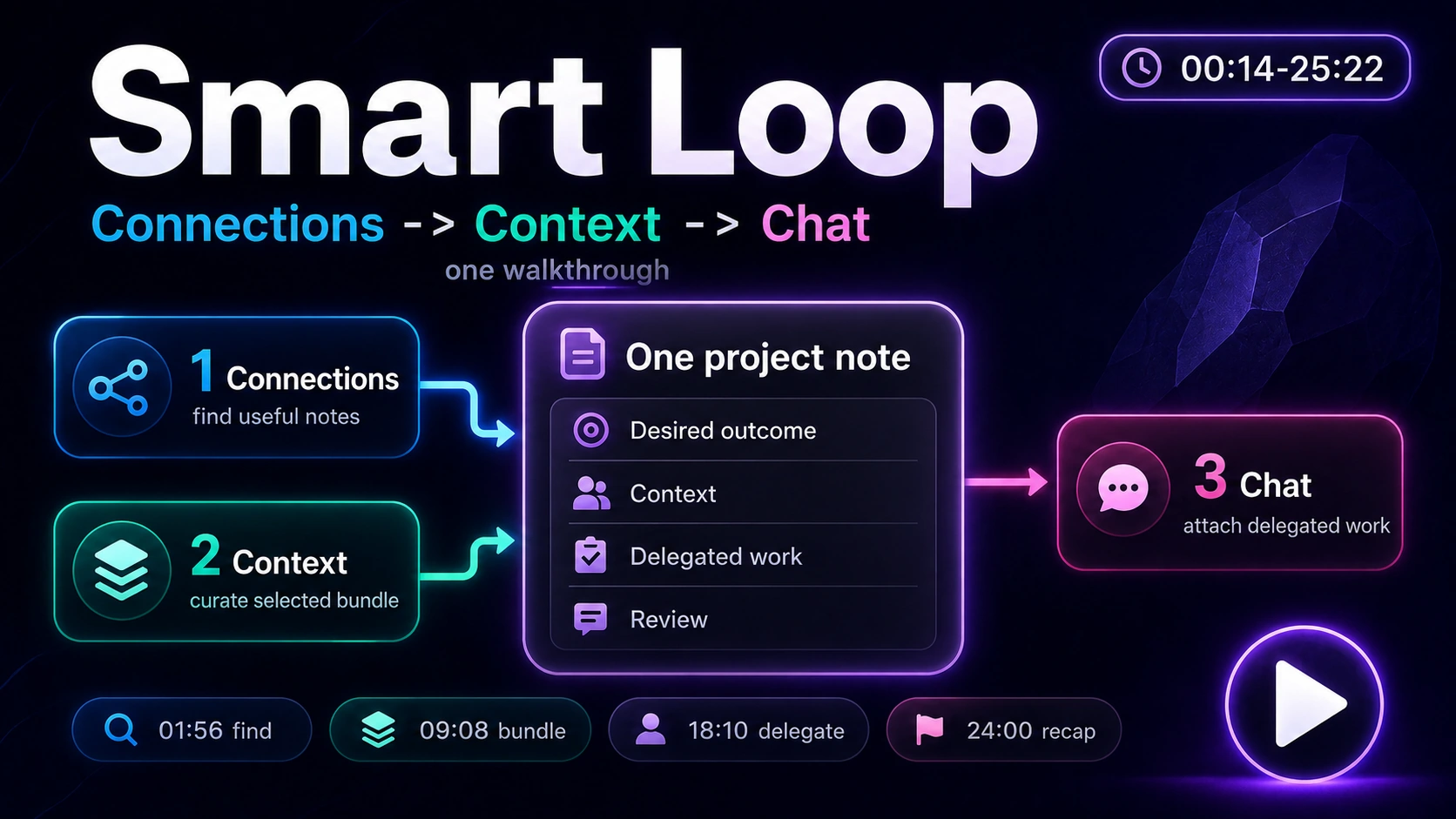
Callum shows a project template that can carry goals, context, criteria, and delegated work. Use this as a glimpse of the system, not as the starter procedure.
The exact workflow
1. Capture ideas
This can and should happen before deciding on a specific outcome.
The best way to capture will always remain whatever is easiest for you. No framework or strategy should ever get in the way of moving ideas from your head to somewhere they can be managed.
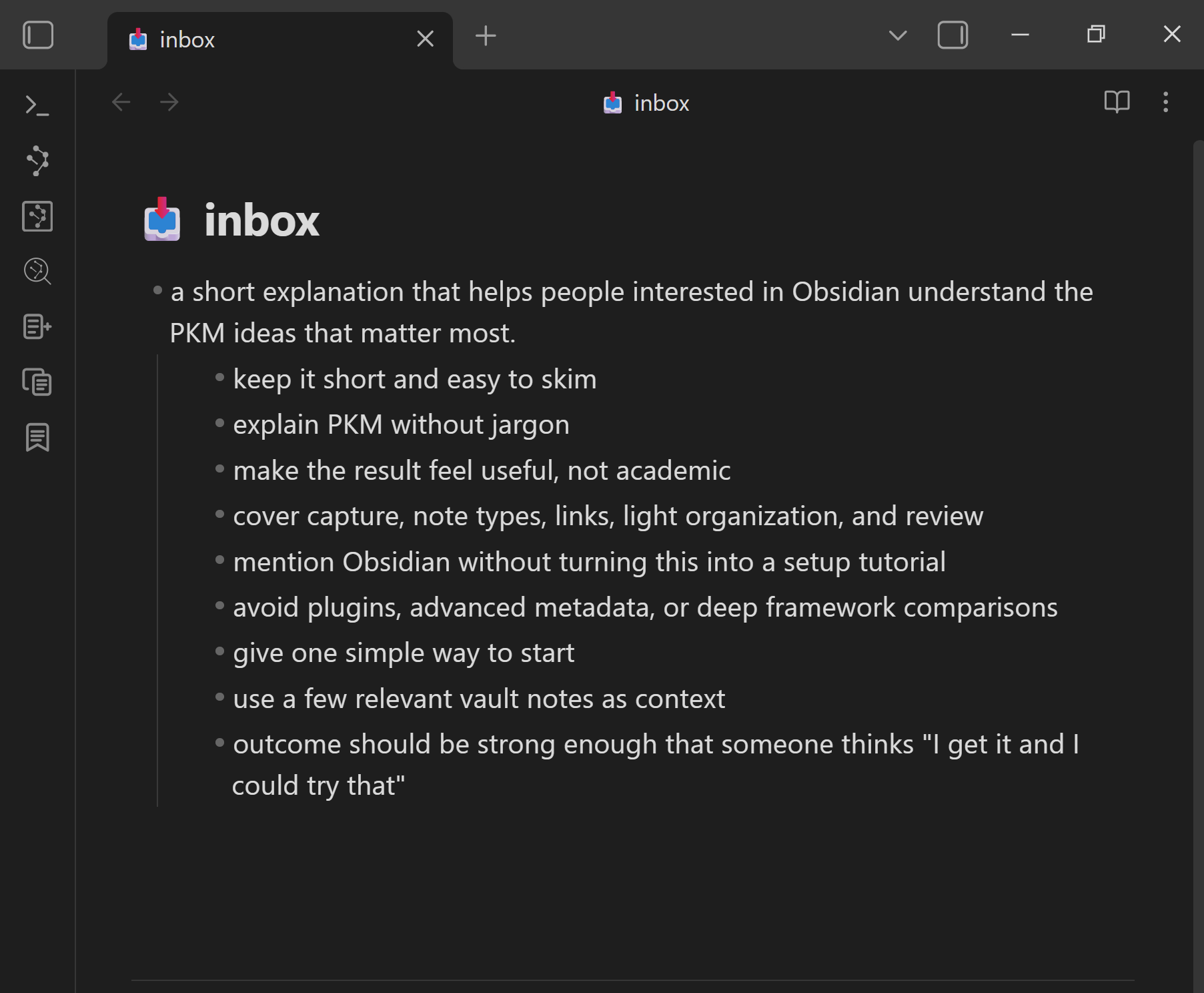
I mostly capture ideas on notecards and have them transcribed into an inbox note in my Obsidian.
2. Create an outcome note
I create a new note with a name that represents the desired outcome that I'm aiming to achieve.
If I have relevant notes in my inbox, I move them to this new note.
I keep my outcome notes in an "Outcomes" folder, but how you decide to organize them isn't important. What's important is that you have a way to quickly access the outcome notes that represent your top priorities.
3. Clarify the finish line
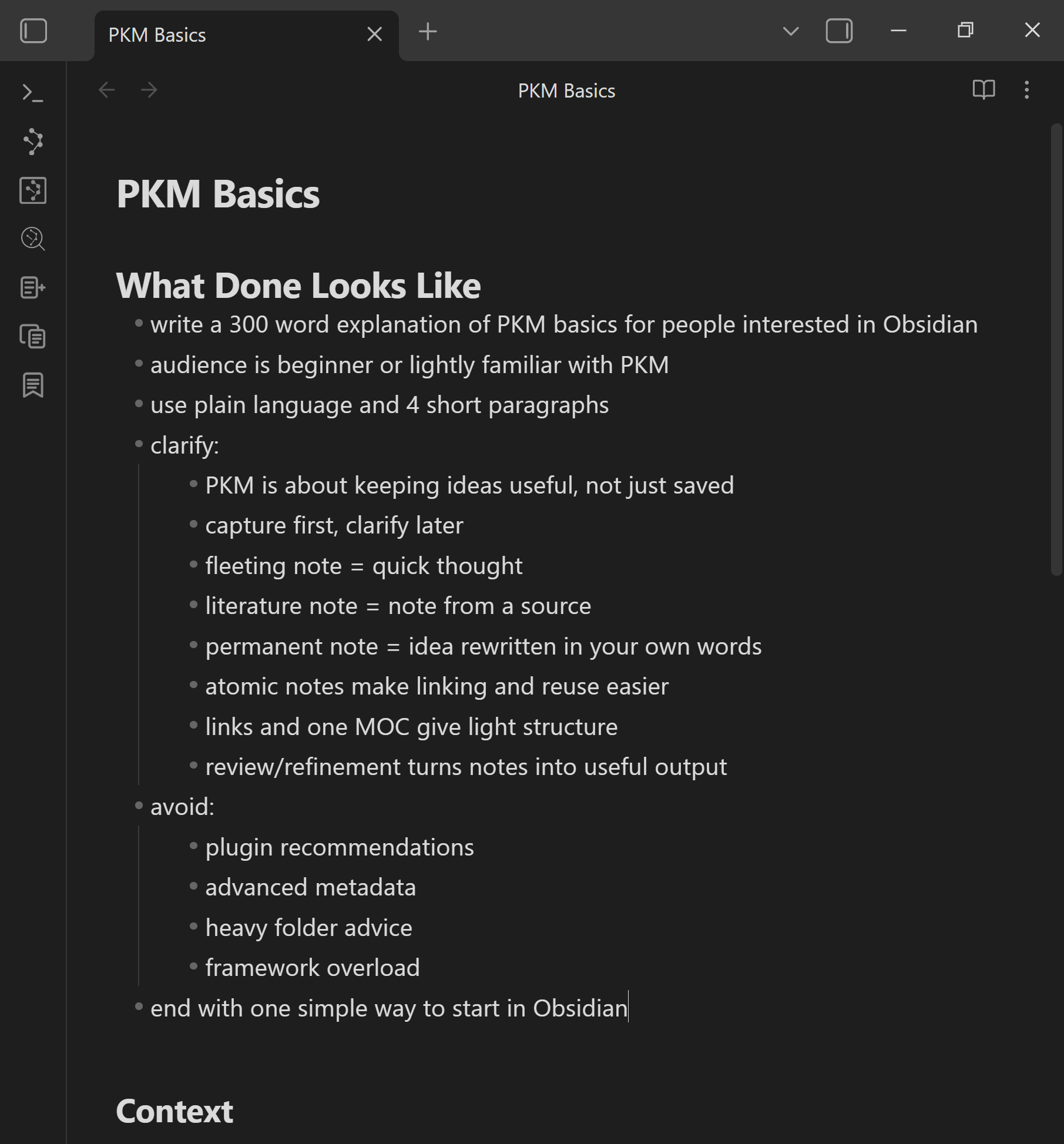
The first structure I add to my outcome note is the What Done Looks Like section. Then I use my raw captured ideas to outline what I expect the outcome should look like when it's done.
This first section gives the outcome note a clear direction.
4. Add structure that facilitates completion
I like to use a structure that reflects the Getting Things Done (David Allen) methodology in my outcome notes. That means captured ideas that are relevant to the outcome likely end up in one of three sections: Next actions, Incubator, or Someday-maybe.
I also like to add an Inbox section to my outcome notes. This way, any relevant notes I capture can be quickly moved to their relevant outcome without the pressure to properly organize them under the correct heading. While it may seem like a small detail, this makes it a lot easier to clear my generic inbox during the weekly review, knowing that the inbox item will receive the proper attention next time I'm working on the relevant outcome.
How you know when it works
A working outcome note system should make it easy to start and continue work.
When I reopen the note, I should be able pick up where I left off.
Progress can be as easy as moving a captured inbox note into a section the represents it's relevant priority, with the Next actions section representing top priorities. Progress can also be clarifying the What Done Look Like section, ensuring that any additional time I spend on this outcome has a clear objective. And progress can also mean delegating the outcome note as an assignment, or reviewing work previously delegated.
If I cannot quickly recognize how to make progress, the note is not yet functioning as an outcome note.
What I do when the workflow breaks
The outcome is too broad (scope too large)
I split it into a smaller outcome notes.
A big outcome can have sub-outcomes. The goal is not to force everything into one note. The goal is for each outcome note to own one coherent deliverable.
It's hard to prioritize
I add a WHY section to the note.
It usually only takes one line about why the outcome matters to gain the insight needed for prioritization.
The note is bloated
I try to keep the What Done Looks Like section lean by moving supporting material into a reference section.
The What Done Looks Like section should remain lean enough that it can be easily reviewed. If you find yourself hesitating to read through it, then dedicate the time to move details into the reference section at the bottom of the note.
Related
This page shows how I use outcome notes as the work-owning object.
These additional strategies will help with moving the outcome from idea to reality:
| When I need to... | I use... |
|---|---|
| Find related notes without organizing first | How I link notes without spending time organizing or searching in Obsidian |
| Build or attach a context package | How I build context in my Obsidian notes |
| Copy the note and context as an AI assignment | How I use my notes as assignments for delegating work to AI in Obsidian |
| Keep chat threads attached to the note | How I manage chat threads in my Obsidian notes |
| Separate trusted notes from unreviewed AI output | How I maintain trust while leveraging AI in my notes |