
Protect Trusted Context
Your first Smart Loop is complete when review improves the outcome note or confirms a usable deliverable saved or linked where the work lives.
This page helps protect that loop after it is working.
Found this page without the email series? Start here: Your first Smart Loop
Today's note change
The outcome note gains a visible trust boundary.
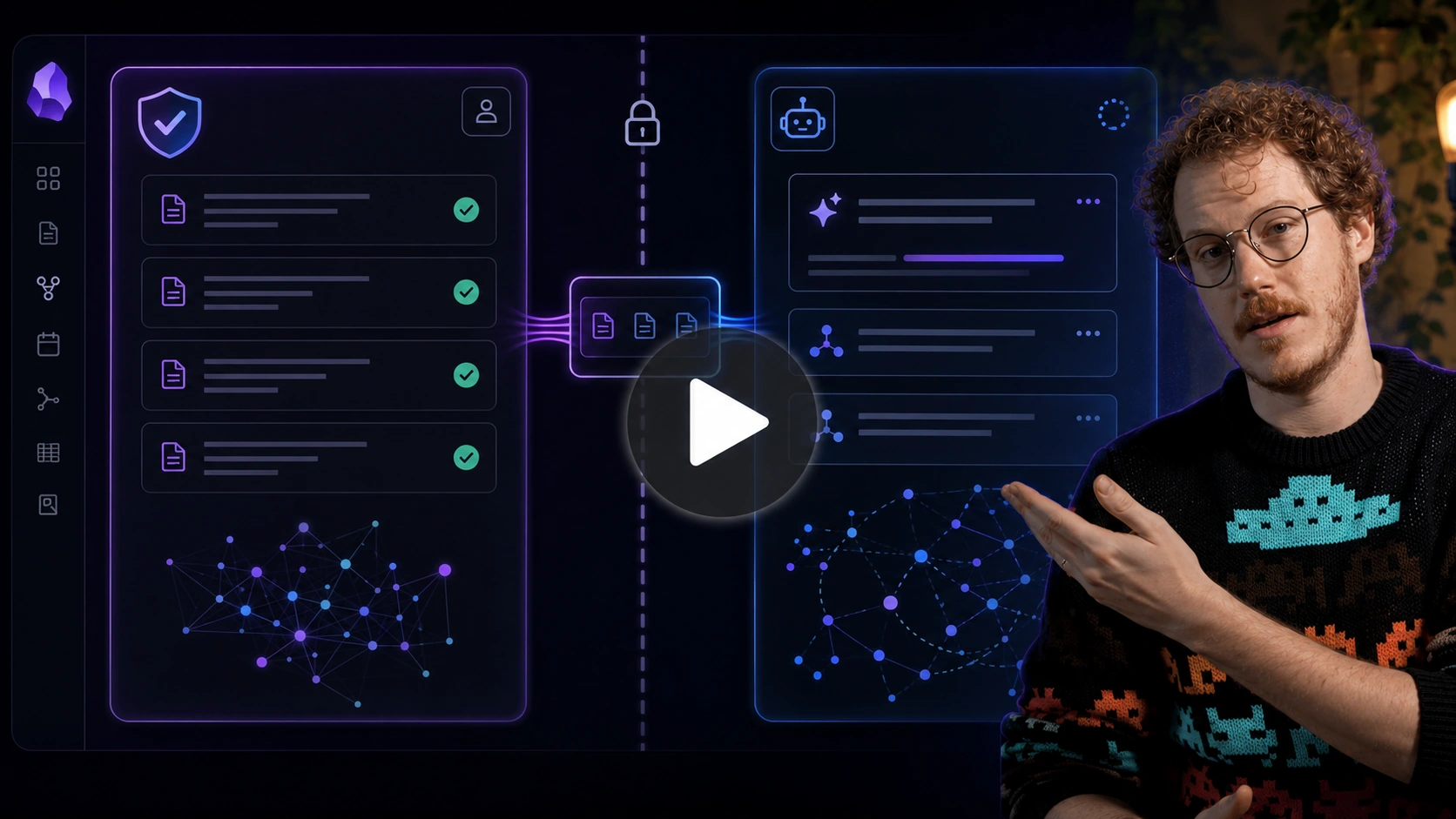
Instead of mixing generated, clipped, uncertain, and reviewed material together, you separate reviewed material from unreviewed work material so future context stays safer to reuse.
Before you start
Required:
- Review has improved the outcome note, clarified the next action, or confirmed a usable deliverable saved or linked where the work lives.
- The note contains material that may be reused as context later.
Optional:
- You have raw AI output, copied excerpts, uncertain claims, or assumptions that should not be treated as source-of-truth yet.
What your note should show
Before:
- reviewed notes, raw AI output, clipped excerpts, and assumptions blur together
- future context may reuse material that should not be treated as source-of-truth
- the note may look more complete while becoming less trustworthy
After:
- reviewed and reusable material is separated from unreviewed workspace material
- raw output and copied content can remain useful without being treated as trusted
- future delegations can reuse the note with less risk of context contamination
The note itself should make the trust boundary obvious.
Add this to your note
Copy this boundary into any note where useful material might not be trusted yet.
## Reviewed / reusable

- [material you understand, checked, and would reuse as context]

## Unreviewed / workspace

- [drafts, claims, assumptions, clipped content, or raw AI output that still need review]
Brainstorming questions
- What material might be trusted enough to reuse as context?
- What material might be useful but not trusted yet?
- What might need review before it steers future work?
- What unreviewed material might be rewritten in my own words?
Make the change
- Start from the outcome note that completed the first loop.
- Scan for raw AI output, copied excerpts, uncertain claims, assumptions, or material you would not stand behind yet.
- Add
Reviewed / reusableandUnreviewed / workspacesections if the boundary is not already visible. - Move at least one item to the correct side of the boundary.
- Rewrite important unreviewed material in your own words when it should become trusted.
- Keep future context packages pointed at reviewed material whenever possible.
Weak vs stronger
Weak:
- raw output sits beside reviewed notes with no label
- copied content looks like source-of-truth
- future context may include material that was never reviewed
Stronger:
- trusted and untrusted material are visibly separated
- useful but untrusted material can still be kept without contaminating trusted context
- future delegation can start from material you actually understand and would reuse
You know it worked when...
- At least one reviewed or unreviewed item is clearly placed on the correct side of the boundary.
Use Smart Plugins to make this easier
Today's change can be completed by moving or labeling material directly in the note.
Smart Context can help include reviewed sections as context without copying unreviewed workspace material into the next assignment.
Reference: How I maintain trust while leveraging AI in my notes
Smart Plugins reduce friction. The note change is what matters.
If you get stuck
| Stuck on... | Do this |
|---|---|
| Nothing delegated that risks mixing into trusted notes | Go back to Delegate the work when you have delegated work to manage. |
| You are unsure whether material is trusted | Put it under Unreviewed / workspace until it earns trust. |
| The note has too much untrusted material | Move it to a staging note, workspace note, or archive note. |
| You want to keep copied material | Link to the source and rewrite the useful part in your own words. |
| Trusted context feels too hard to maintain | Maintain the highest-trust section first, especially What Done Looks Like. |
How this same move scales
Bigger outcomes need more context, which makes trust more important. A larger context package is only useful when the material is trustworthy enough to reuse.
The move stays the same: keep reviewed and unreviewed material visibly separated before future delegations inherit it.
Additional resources
- How I maintain trust while leveraging AI in my notes
- How I build context in my Obsidian notes
- How I manage chat threads in my Obsidian notes
- Smart Context
Continue the Smart Loop
- Create the outcome note
- Clarify the finish line
- Build context
- Delegate the work
- Review and improve
- Protect trusted context (current)
- Scale the Smart Loop
Review the full workflow: Smart Loop