
Create the Outcome Note
Today: give one desired outcome a durable home.
Start with one note where this outcome can live.
Found this page without the email series? Start here: Your first Smart Loop
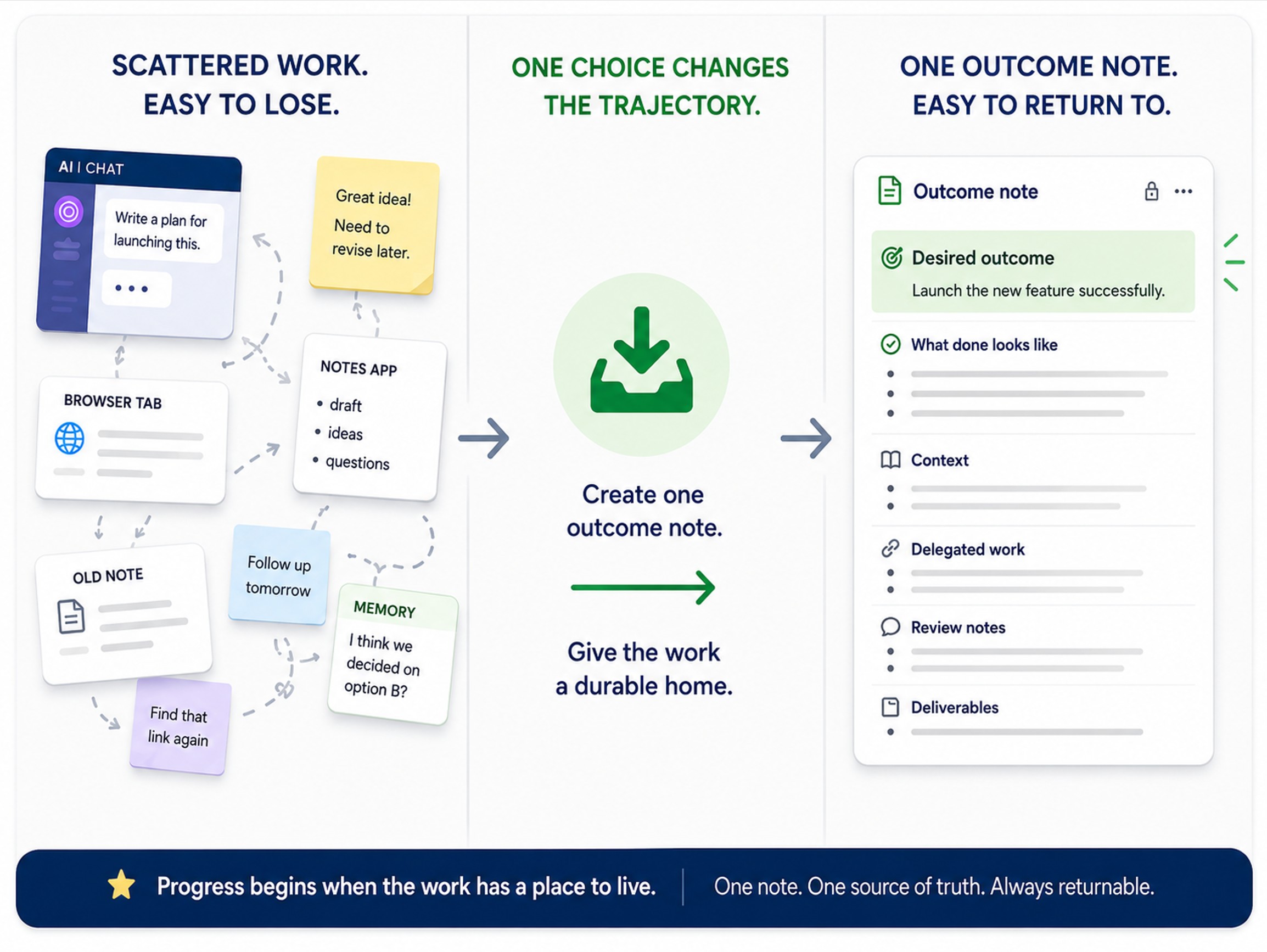
Today's note change
Your desired outcome gets one home: the outcome note.
Instead of starting with another prompt before the work has a place to survive, you create one note so you can return to the outcome, improve it, attach context, delegate work, review results, and continue.
Before you start
Required:
- Create a new note in Obsidian.
- You have one desired outcome that might be worth moving forward.
Optional:
- Smart Connections is installed and enabled if you want related notes to surface from the current note.
- Smart Lookup is installed and enabled if you want to search your vault by meaning.
- Smart Context is installed and enabled for later context packaging.
- Smart Chat is installed and enabled for later thread management.
Day 1 can be completed without plugins. The plugins become leverage as the Smart Loop progresses.
What your note should show
Before:
- the desired outcome is implied
- useful work may be scattered across notes, chats, tabs, and memory
- tomorrow's work has no reliable place to continue
After:
- one note owns the desired outcome
- relevant ideas have a clear destination
- the note can carry future context, delegated work, review, and next action
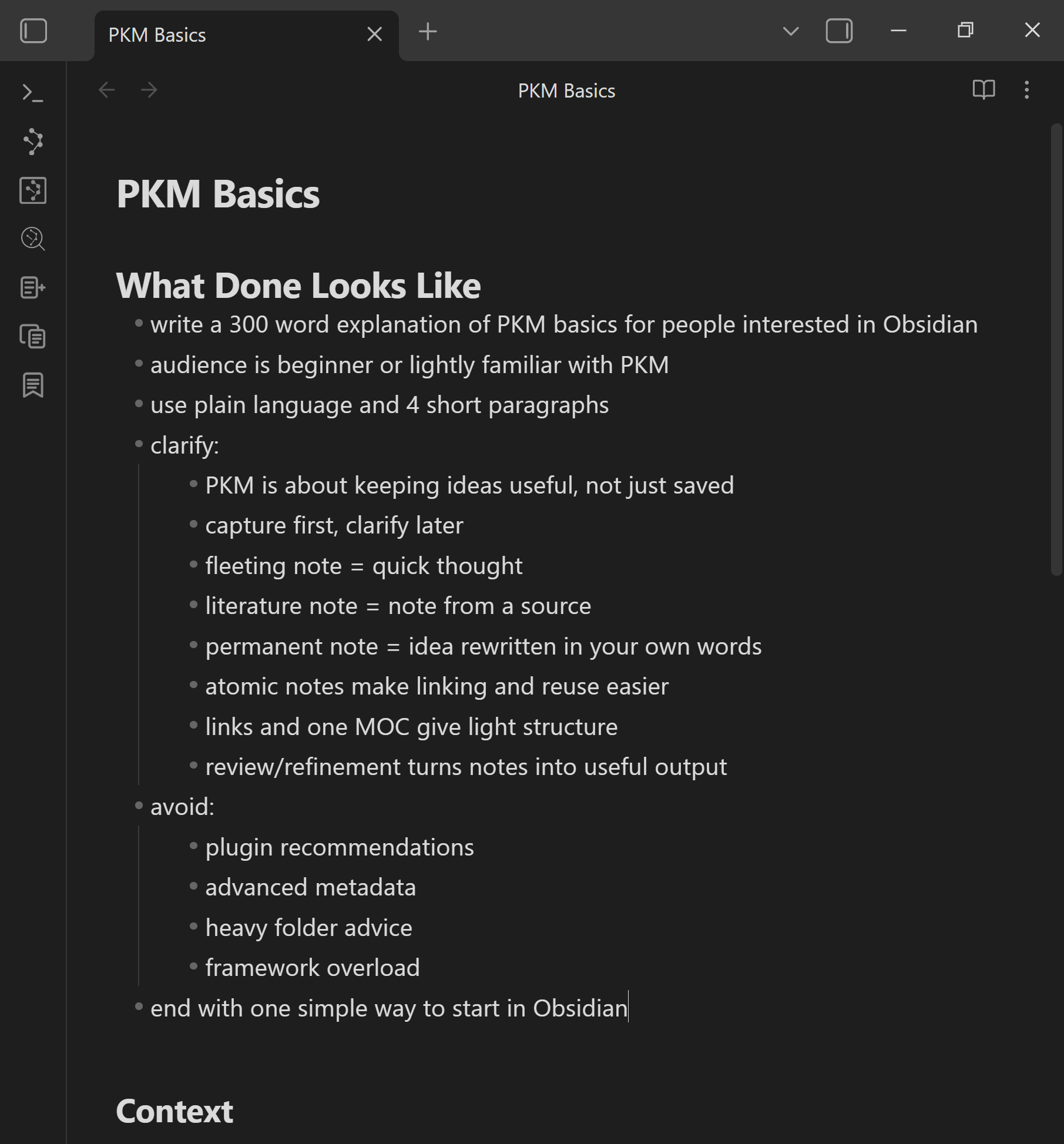
The note should show the desired outcome clarified in one place, so the work has a durable home.
Add this to your note
Copy this starter structure, then replace the placeholder with your selected outcome.
## Desired outcome
[one sentence naming what this note is trying to make real]

## What Done Looks Like

## Context

## Delegated work

## Review notes

## Next action
Brainstorming questions
- What outcome might matter most right now?
- What outcome might be most worth moving forward today?
- What result might make this loop feel worth doing?
- What name for this outcome might be best?
Make the change
- Create one new note for one desired outcome.
- Give the note a name that points at the outcome.
- Add the starter structure above.
- Write one sentence under
Desired outcome. - Keep the sentence small enough that you can move the outcome forward this week.
Weak vs stronger
Weak:
- the note is only a topic
- the desired outcome is implied
- the next prompt would still start from memory
Stronger:
- the note names one outcome in one sentence
- the work has a place to return to
- future context, delegated work, review, and next action can attach to the same note
You know it worked when...
- The desired outcome is written in one sentence inside the outcome note.
Use Smart Plugins later in the loop
This step can be completed without plugins.
If you get stuck
| Stuck on... | Do this |
|---|---|
| Choosing the right outcome | Pick something small enough to move through one loop. The goal is learning the workflow. |
| The outcome feels abstract | Choose a visible result: draft, decision, plan, reply, outline, recommendation, or small deliverable. |
| The note feels too broad | Split the work into a smaller outcome note. |
| You have many related notes | Link only the few notes that might help clarify the outcome. More can be added later. |
How this same move scales
Bigger outcomes may need more clarity, more context, more delegations, sub-outcomes, and more review passes.
The move stays the same: give the work one durable home before the next delegation.
Additional resources
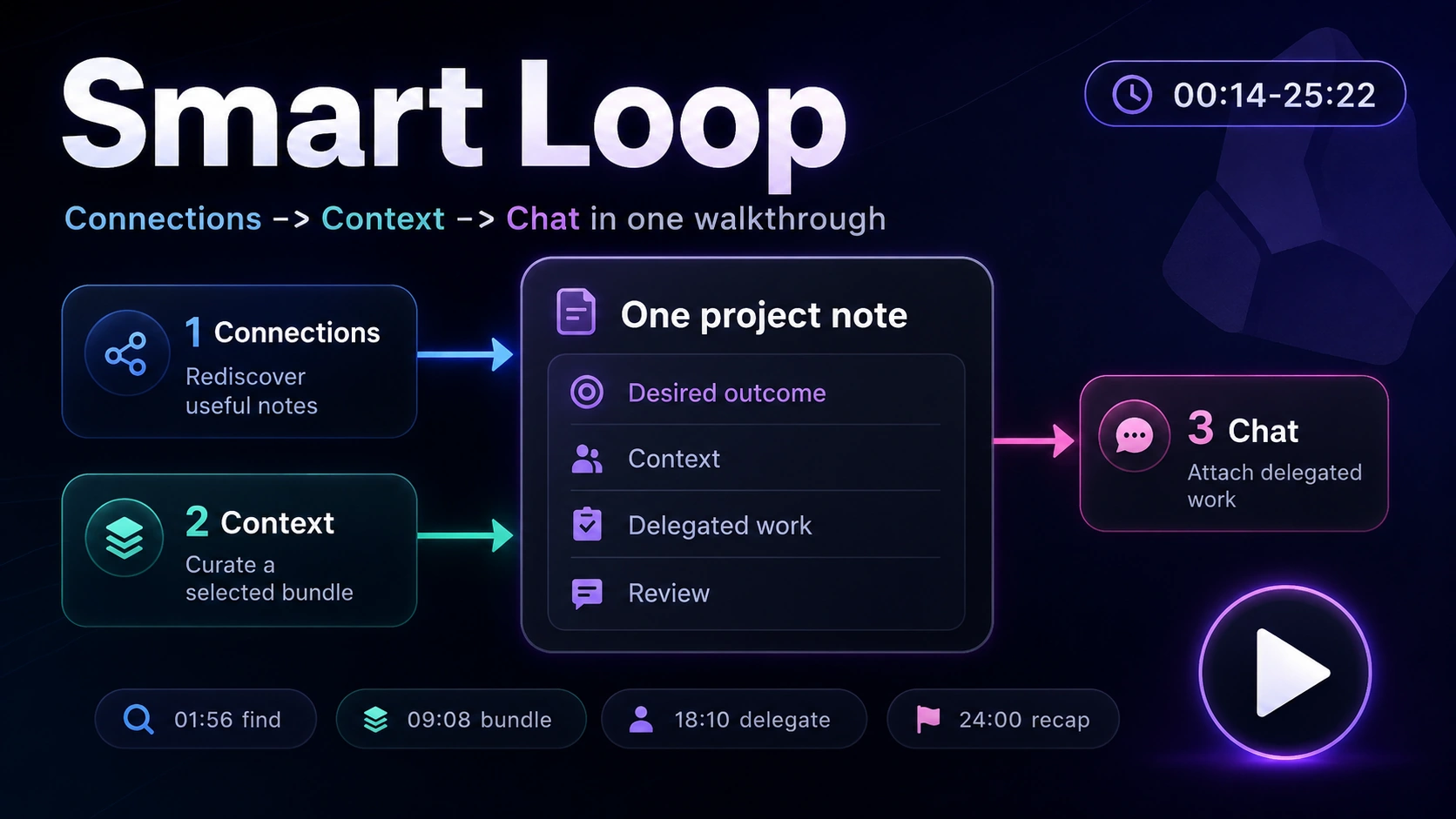
See Callum create an outcome note template that can hold goals, context, criteria, and delegated work.
Continue the Smart Loop
- Create the outcome note (current)
- Clarify the finish line
- Build context
- Delegate the work
- Review and improve
- Protect trusted context
- Scale the Smart Loop
Review the full workflow: Smart Loop