
Review and Improve
Today: turn delegated work into progress that survives review.
Start from the same outcome note you used yesterday.
Found this page without the email series? Start here: Your first Smart Loop
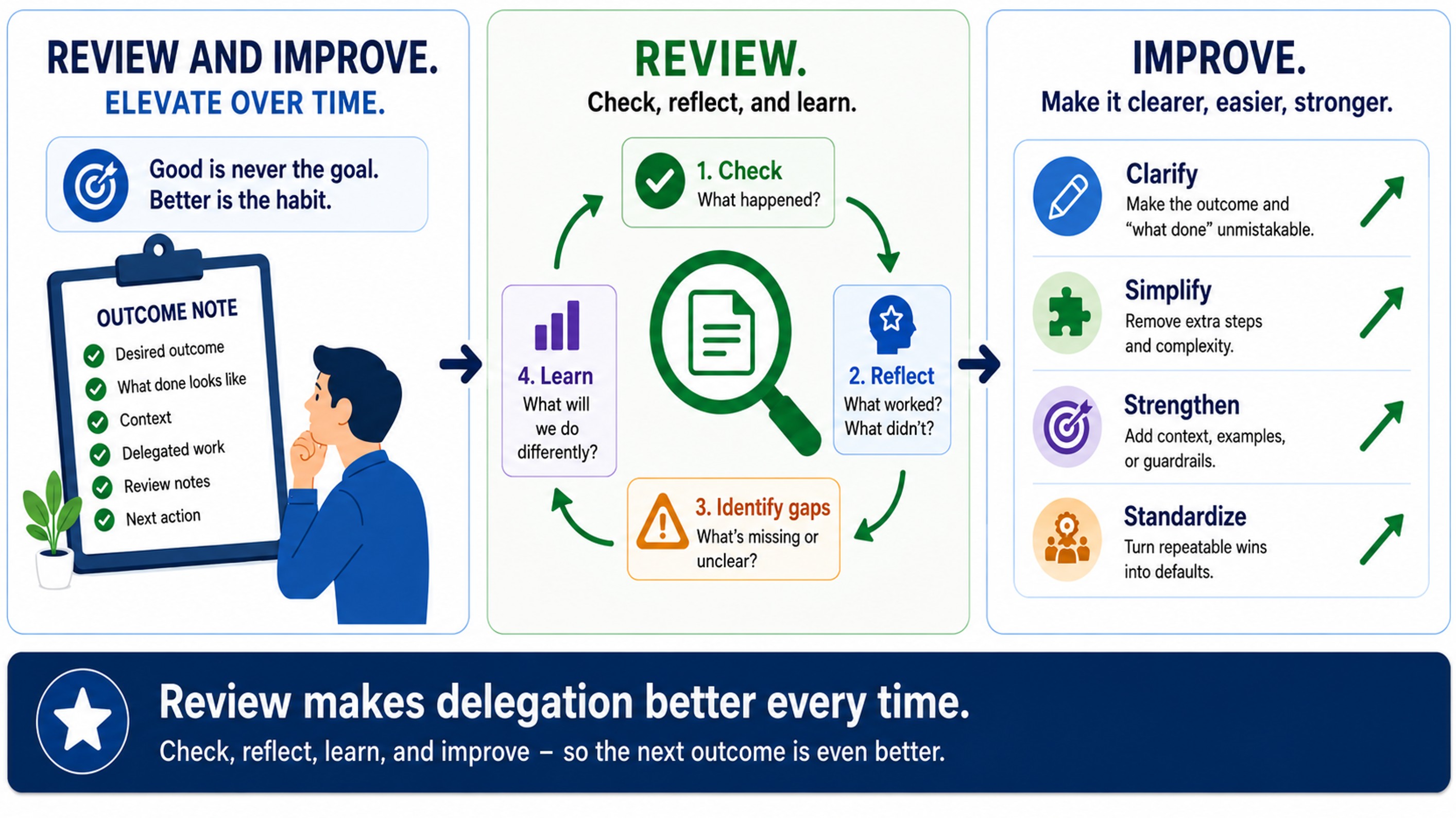
Today's note change
The review makes the outcome note stronger, or confirms a usable deliverable that is saved or linked where the work lives.
Instead of accepting the AI response because it sounds complete, you review it against What Done Looks Like so you decide what actually became progress.
Before you start
Required:
- The outcome note has a
What Done Looks Likesection. - Delegated work is attached to the outcome note.
- There is an AI response, draft, result, or thread to review.
Optional:
- Smart Chat is installed and enabled if you want to mark the reviewed thread done.
- The usable deliverable has a clear place where it should be saved or linked.
What your note should show
Before:
- AI output exists
- the response has not changed the outcome note
- the deliverable has not been saved or linked where the work lives
- the next action may still be unclear
After:
- the response has been reviewed against
What Done Looks Like - the note is clearer, the context is better, the next action is sharper, or the deliverable is saved or linked
- the next delegation can start from a stronger note
The outcome note should show reviewed output becoming note progress or a usable deliverable.
Add this to your note
Copy this section into your outcome note before you review. Use it to help decide what actually changed because of the delegated result.
## Review

- What helped:
	- [what the delegated result got right]
- What needed fixing:
	- [what was missing, wrong, unclear, or risky]
- What the note failed to make clear:
	- [finish-line, context, or next-action gap]
- What changes before the next delegation:
	- [note improvement, context improvement, clearer next action, or saved/linked deliverable]
As you become more familiar with the Smart Loop the "Review" section can be skipped in favor of directly editing the "What Done Looks Like," "Context," and "Next actions" sections of the note. For now, use this section to practice your review process.
Brainstorming questions
- What part of the delegated result might be best?
- What missing context or unclear detail might have caused the problem?
- What assumption might need to be added to
What Done Looks Like? - What next action might be best?
Make the change
- Start from the same outcome note.
- Open the delegated result from the
Delegated worksection. - Compare the result against
What Done Looks Like. - Choose one path.
| Result | What it means | What to do next |
|---|---|---|
| Rejected | The output exposed a gap. | Improve `What Done Avoid manually editing the deliverable. Add detail to the note then delegate again. n. n. n. n. n. n. n. n. n. n. n. n. n. n. n. n. n. s. s. s. s. s. s. s. s. s. s. s. s. s. s. |
- Make at least one durable change: clearer criteria, better context, sharper next action, or saved/linked deliverable.
- If using Smart Chat, mark the reviewed thread done after review is complete.
An "almost" result can be tempting to accept. But, "I just need to change this" can quickly turn into a lot of manual work. The goal of the Smart Loop is to delegate the work, so instead of jumping in and doing the work yourself, prefer updating the note and delegating the assignment again.
Weak vs stronger
Weak:
- the response sounds good, so it is treated as finished
- the note does not change
- the next delegation would start from the same weak starting point
Stronger:
- the response is judged against the finish line
- the note records what was accepted, corrected, rejected, improved, saved, linked, or delegated next
- even a weak result improves the next loop
You know it worked when...
- The delegated result was reviewed, and the note improved or the deliverable was saved/linked where the work lives.
Use Smart Plugins to make this easier
Smart Chat enables reviewing and keeping track of threads that are active/done without leaving the note.
Reference: How I manage chat threads in my Obsidian notes
Smart Plugins reduce friction. The note change is what matters.
If you get stuck
| Stuck on... | Do this |
|---|---|
| Missing the previous step | Go back to Delegate the work and attach delegated work to the note. |
| The output is weak or generic | Improve the starting note before copying more context. |
| The output is almost usable | Add the missing criteria or context to the note before asking for another pass. |
| You cannot decide whether it is good | Tighten What Done Looks Like until review becomes easier. |
| The result is useful but not trusted | Keep it in Review notes or Unreviewed / workspace until it earns trust. |
How this same move scales
Bigger outcomes may need many review passes. The first delegation does not need to finish the whole outcome.
The move stays the same: use review to make the note, next delegation, or final deliverable stronger.
Additional resources
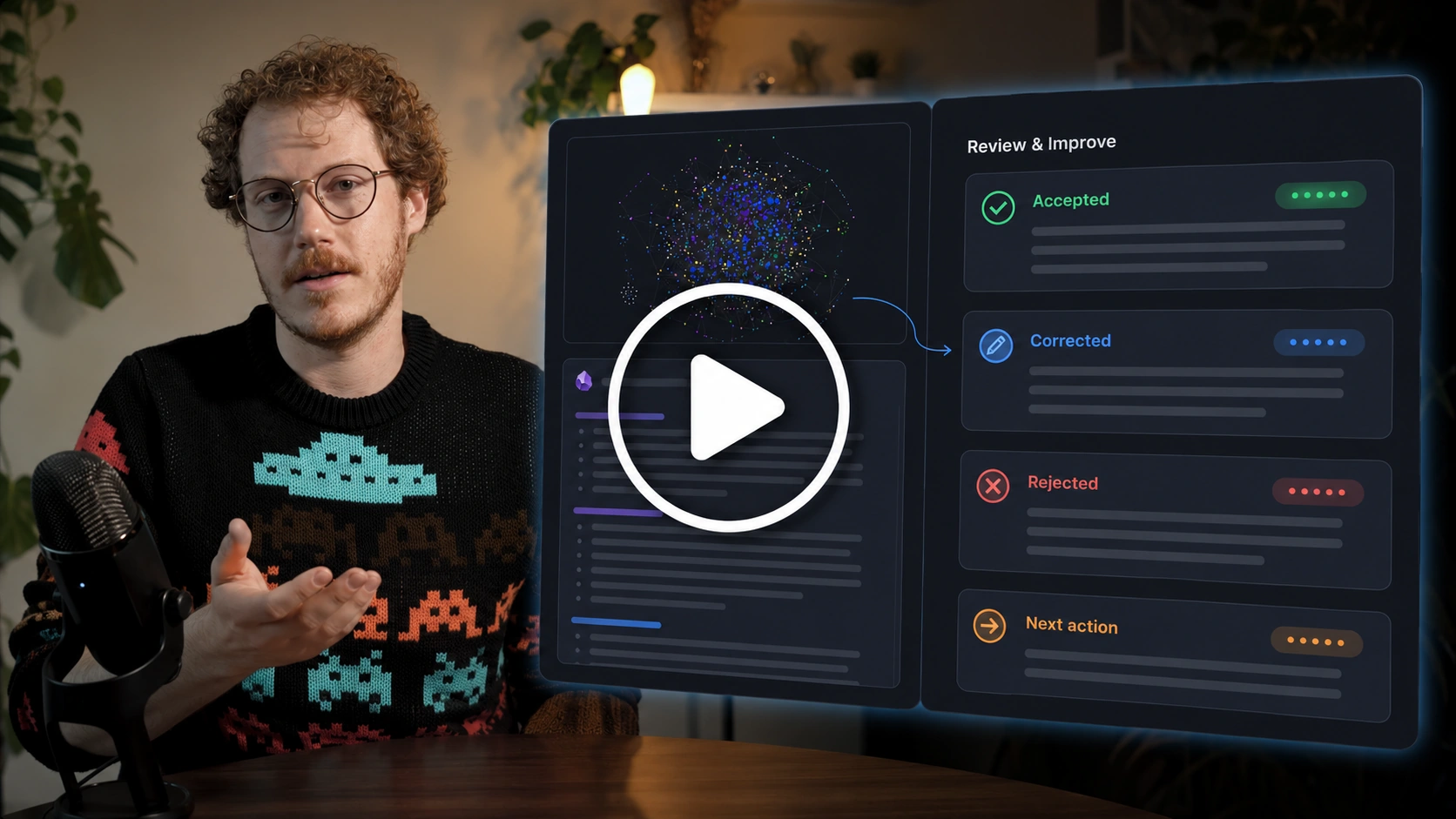
Related links:
- How I manage chat threads in my Obsidian notes
- How I use outcome notes to go from idea to outcome in Obsidian
- Copy current note as context
Continue the Smart Loop
- Create the outcome note
- Clarify the finish line
- Build context
- Delegate the work
- Review and improve (current)
- Protect trusted context
- Scale the Smart Loop
Review the full workflow: Smart Loop