
WHY Smart Plugins
Your vault is the shared workspace between you and AI.
Smart Plugins are a focused set of Obsidian companions that make your vault feel more responsive, more useful, and easier to trust.
Not louder.
Not more complicated.
Just easier to use the work you already did.
If you have ever thought:
- I know I wrote about this, but I cannot find it
- I keep re-explaining the same project to AI
- My notes are growing faster than my ability to connect them
- I want AI help, but I want it grounded in my own writing
- I want chat, context, and next actions to stay attached to the work
Smart Plugins are built for that.
Better models do not fix fragmented work.
Smart Plugins reduce the cost of finding, packaging, continuing, structuring, and reviewing AI work inside Obsidian.
What changes when Smart Plugins are part of your flow
You stop treating your vault like storage.
You start treating it like a working environment:
- Smart Connections surfaces related notes while you write
- Smart Lookup retrieves by meaning when you have a question but not the exact words
- Smart Context turns scattered notes into a clean, reusable context bundle
- Smart Templates gives repeated work a trusted structure
- Smart Chat keeps conversations attached to your notes
- Smart Graph shows topic landscapes when a list is too flat
- Connect Pro brings vault knowledge to compatible external AI tools through configured reads, retrieval, and reusable context; dedicated edit proposals stay pending for your review
The point is not more features.
The point is less friction between thinking, grounding, delegating, reviewing, and shipping.
The problem Smart Plugins solve
Your vault has signal, but it is hard to access on demand
Obsidian is excellent at capturing.
Most people get stuck on retrieval and reuse.
- search requires you to remember the right words
- folders require you to pre-organize perfectly
- tags drift over time
- AI without context drifts even faster
Smart Plugins help your notes become useful before your vault is perfectly tidy.
AI adds a new problem: fragmented work
Default AI workflows scatter work across tabs, prompts, tools, and unfinished threads.
The source material lives in your notes.
The prompt lives in a chat box.
The next action lives in your head.
The output lives somewhere else.
That fragmentation is why Smart Loop matters:
Keep the outcome, context, thread, review state, and draft together in one note.
The note becomes the work item.
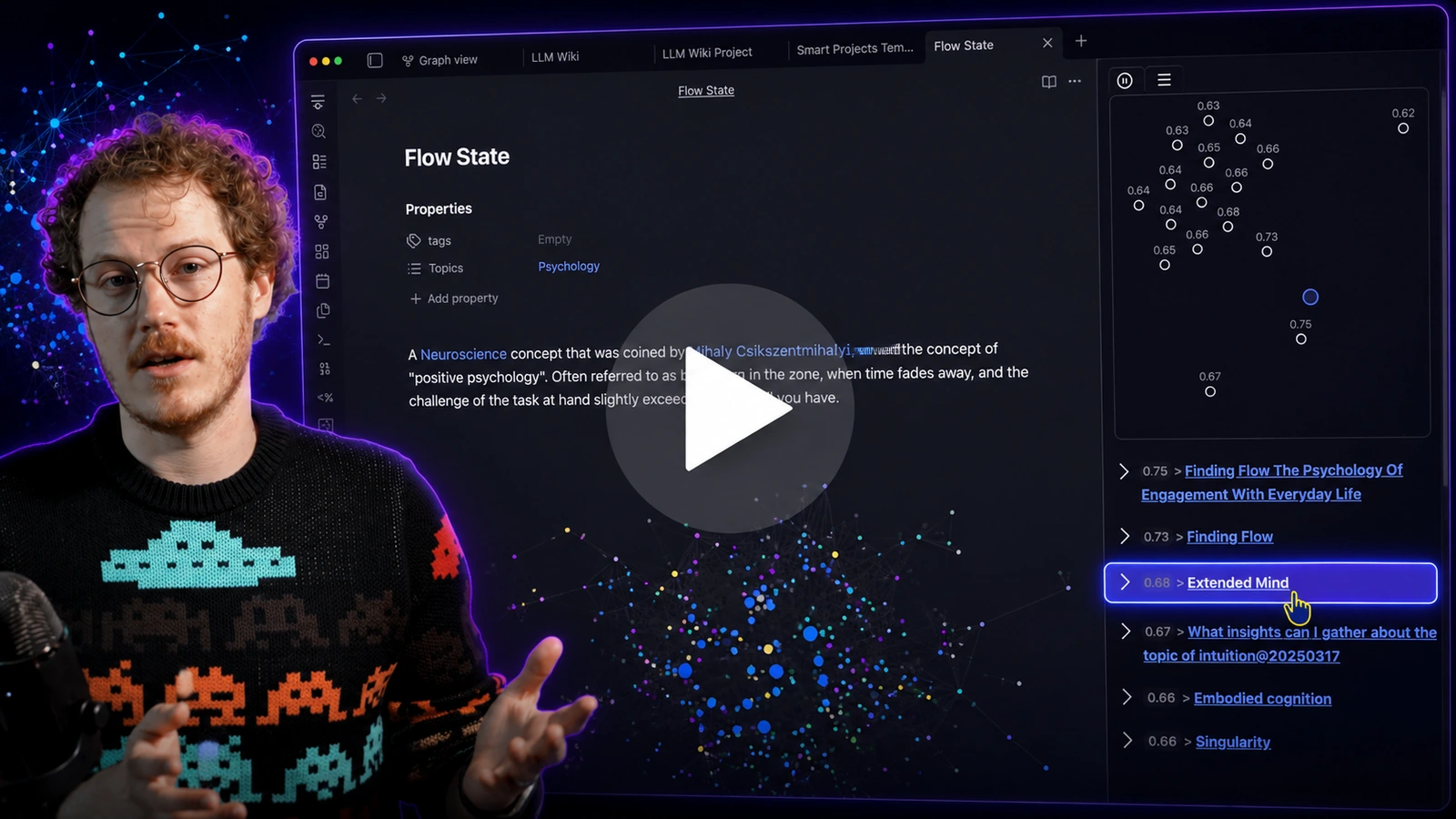
Callum opens with the real pain: capture is easy, but notes and chats stop being useful when context gets scattered and cannot be recovered in the moment of work.
It can hold the outcome, context, thread, review state, and deliverable.
What Smart Plugins are
Smart Plugins are built on Smart Environment:
- local-first by default
- shared sources, models, providers, exclusions, indexing, events, and status
- compatible with different model providers and setups
- minimal dependencies and inspectable foundations
- designed to improve as underlying models improve
They are intentionally modular.
Instead of one giant plugin with endless settings, you get focused tools that work together.
Pick the right surface
| User intent | Best surface | Why |
|---|---|---|
| I am writing in a note and want related material | Smart Connections | the current note is the anchor |
| I have a question but not the exact words | Smart Lookup | the query is the anchor |
| I know the exact word, filename, heading, tag, or regex | Obsidian search | lexical matching is the goal |
| I need to see the shape of a topic | Smart Graph | clusters and neighborhoods are the goal |
| I need reusable context for AI | Smart Context | selected notes need packaging |
| I need structure for repeatable output | Smart Templates | repeated work needs a form |
| I need a thread that stays with the work | Smart Chat | the conversation should remain attached |
| I want my AI tool to work with my notes | Connect Pro | configured vault access, with dedicated proposals for reviewed edits |
| I need to reduce repeated work or repeated context | Smart Dedupe | likely overlap needs review |
Compressed rule:
Current note -> Connections. Question -> Lookup. Exact phrase -> Obsidian search. Landscape -> Smart Graph. Reusable set -> Context. Repeatable form -> Templates. Durable thread -> Chat. External AI access -> Connect Pro.
Pick a starting path
You want immediate wins while writing
Start with Smart Connections.
- Use the Connections view to surface relevant notes anchored to your current note
- Use Smart Lookup when you want query-first semantic search
- Core includes sidebar and footer workflows
- If you are a power user, explore inline discovery, graph/list exploration, Bases workflows, ranking, filtering, custom algorithms, and large-vault performance
Links:
- Getting Started with Smart Connections
- Exploring the Connections view
- Smart Lookup
- Inline connections (Pro)
You want better AI outputs with less setup
Start with Smart Context.
- Copy a folder or selection as a predictable bundle
- Build and save named context packs for projects you revisit
- Use link depth when your hub note already points to the true references
- Keep context small enough to review before you send it
Links:
- Getting Started with Smart Context
- Smart Context Builder
- Smart Context Clipboard
- Smart Context file nav actions
You want a real chat workspace inside Obsidian
Start with Smart Chat.
- Keep threads attached to your notes
- Review or add context when it matters
- Route to local or cloud models when you need different strengths (Pro)
- Mark threads active or done so follow-up is not memory-based
Links:
You repeat the same output structure
Start with Smart Templates.
- Start from the current note or selection
- Add context before choosing the template
- Use trusted Markdown templates from your vault
- Copy a reviewed prompt, then use it in the AI chat you choose
Links:
You already use an AI tool and want it to work with your notes
Start with Connect Pro and a compatible external AI app.
- Connect the intended desktop vault and review tool permissions before sharing content
- Begin with a read-only request for a short, non-sensitive note; compare the returned text with Obsidian
- Use available retrieval and context tools for a real assignment, and request a dedicated proposal when you want to review a correction or move before it is applied
Some actions change notes directly. Inbox review applies to proposals, not every write.
Follow Getting started with Connect Pro for setup and compatibility requirements.
Core vs Pro, without the confusion
Core is designed to feel like:
- install
- open the view
- get one useful result from your own notes
Pro is designed for specific advanced needs:
- richer context
- deeper configuration
- faster large-vault workflows
- provider/API workflows
- native chat with configured local or cloud models
- approved vault actions
A stable Core keeps onboarding clean.
A sustainable Pro layer keeps the fast-moving parts healthy.
If you want the details:
Trust comes from boundaries, not slogans
Smart Plugins are local-first by default, but workflows differ.
Use this rule:
Private by default. Clear about what leaves your machine.
Core local retrieval can run inside Obsidian.
Clipboard workflows send content when you paste it elsewhere.
Provider-backed generation, chat, media, API, and action workflows use the scope you explicitly send through configured integrations.
Review sources, exclusions, and provider settings before sensitive workflows.
Explore Smart Plugins
If you want the map of what is available and how the pieces fit:
If you already know you want advanced workflows: