
Smart Context file nav actions
Deprecated page
This page is retained temporarily and may contain outdated details. Use the current file navigator documentation for current behavior. Start with Getting started with Smart Context for the shortest verified workflow.
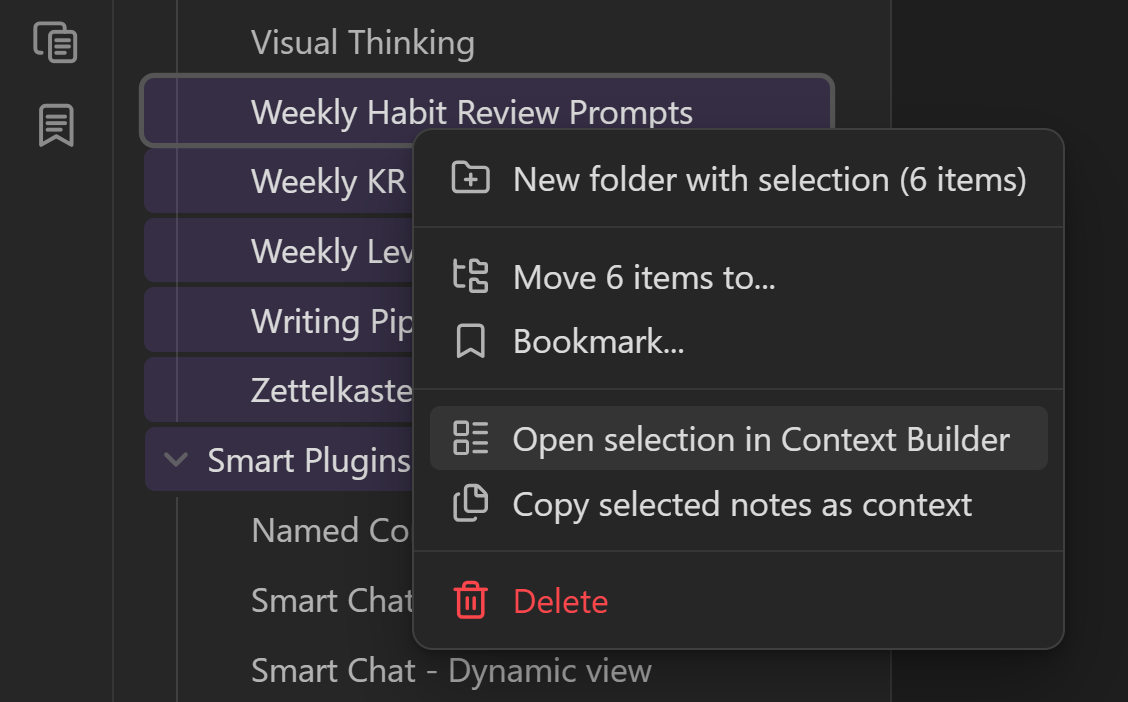
Part of the Smart Context Clipboard feature.
What this surface is for
File navigator actions optimize speed when scope is chosen from folders/files first.
Core actions
- Right-click folder -> Copy folder contents to clipboard.
- Multi-select files -> Copy selected notes as context.
- Multi-select folders/files -> Open selection in Context Builder.
Watch a folder become context
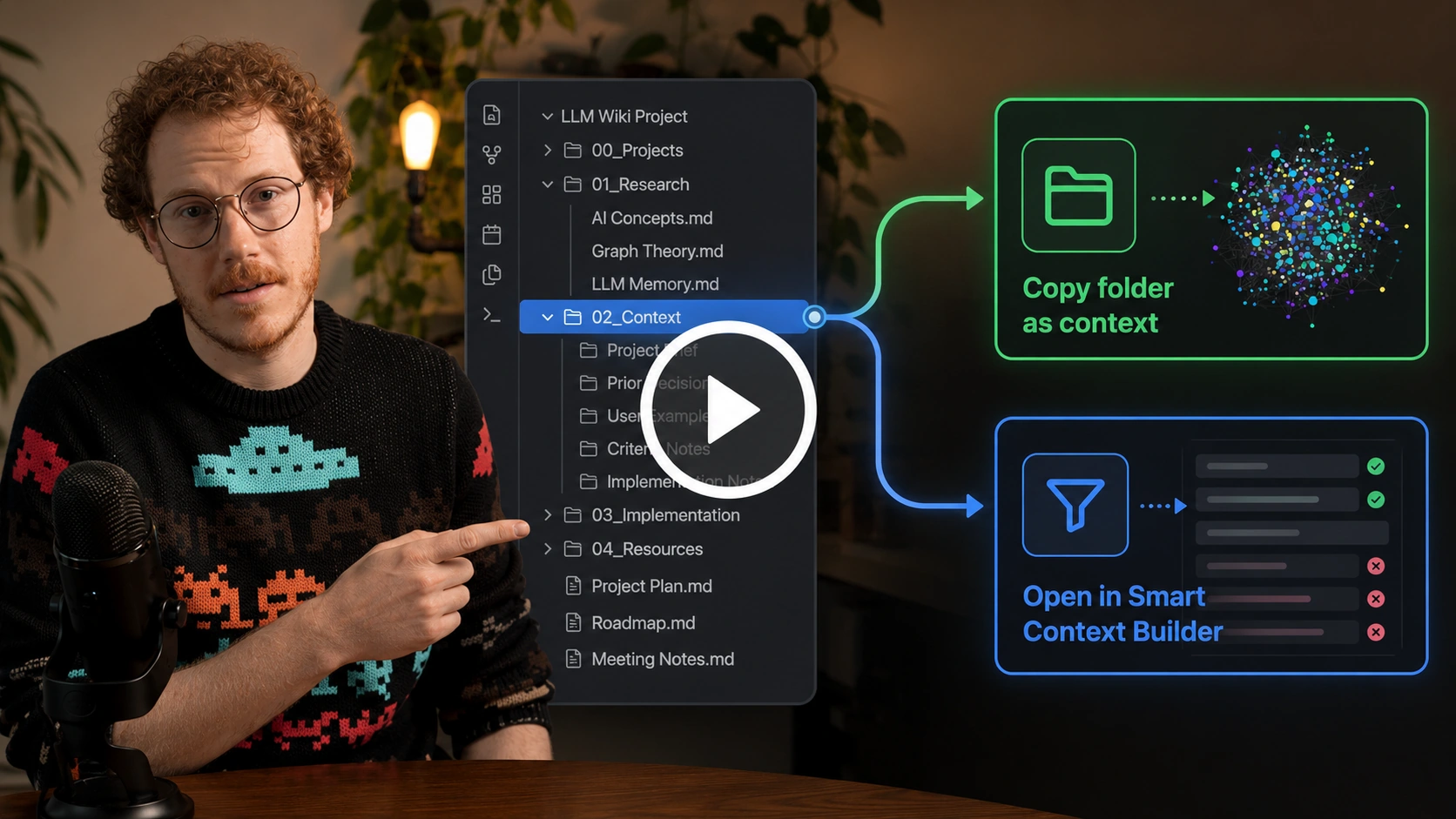
Callum shows the folder-first path: copy when the folder boundary is already right, or open it in Builder when the scope needs pruning first.
How to choose
- Need fastest export now -> use direct copy actions.
- Need to prune/reorder scope first -> open Context Builder.
- Need tree-only export -> use link-tree copy action where available.
Workflow examples
- Sprint handoff: select spec + task notes -> copy selected notes -> paste into chat.
- Folder kickoff: right-click project folder -> copy folder contents -> run planning prompt.
- Curated delegation: open selection in builder -> trim noise -> copy final bundle.