
Copy context from Obsidian Canvas files
Deprecated page
This page is retained temporarily and may contain outdated details. Use the current Canvas documentation for current behavior. Start with Getting started with Smart Context for the shortest verified workflow.
Smart Context treats Canvas as a first-class source in the copy workflow.
That means you can start from a .canvas file, include linked notes with depth controls, and copy one grounded context bundle for AI workflows.
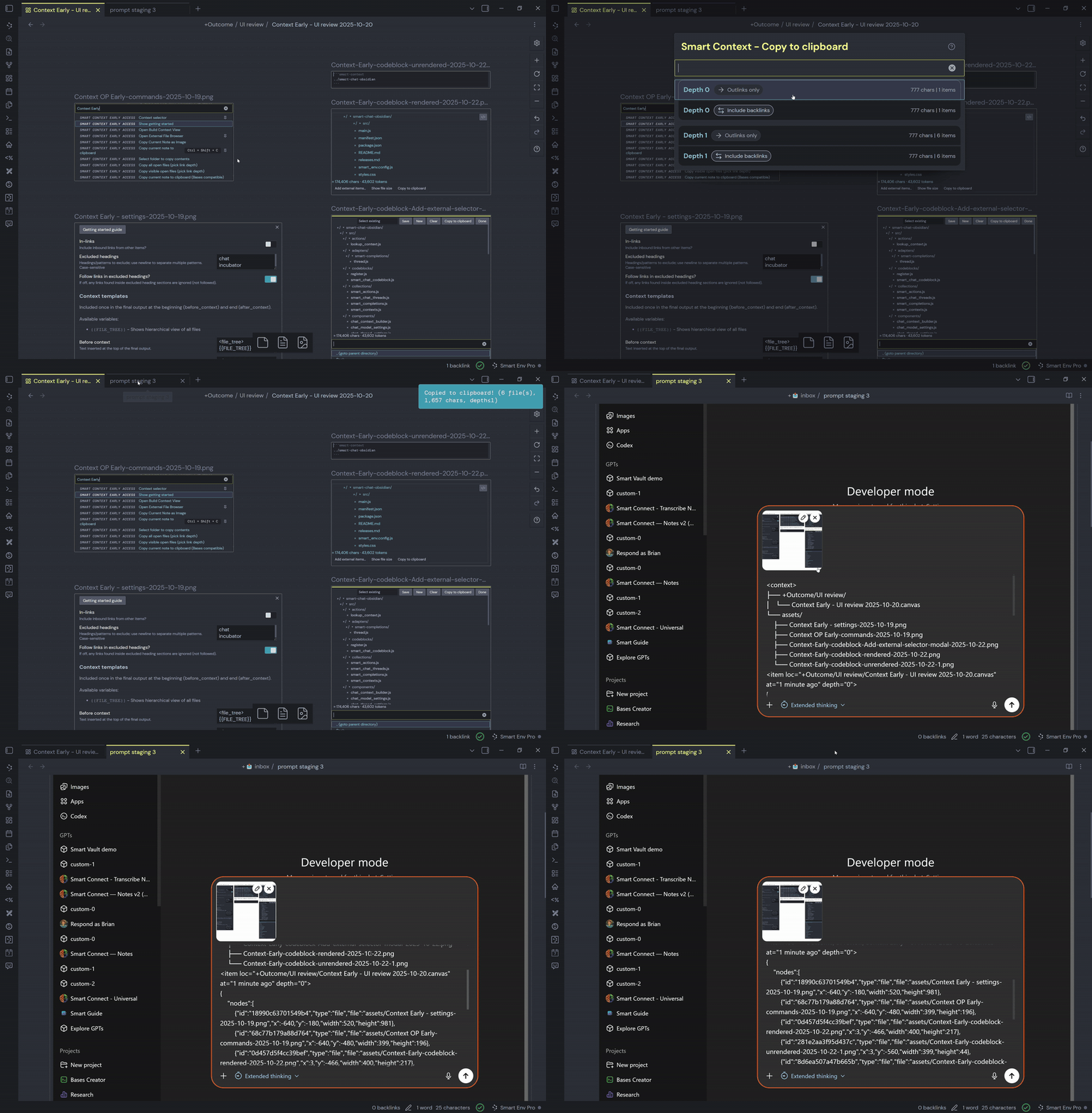
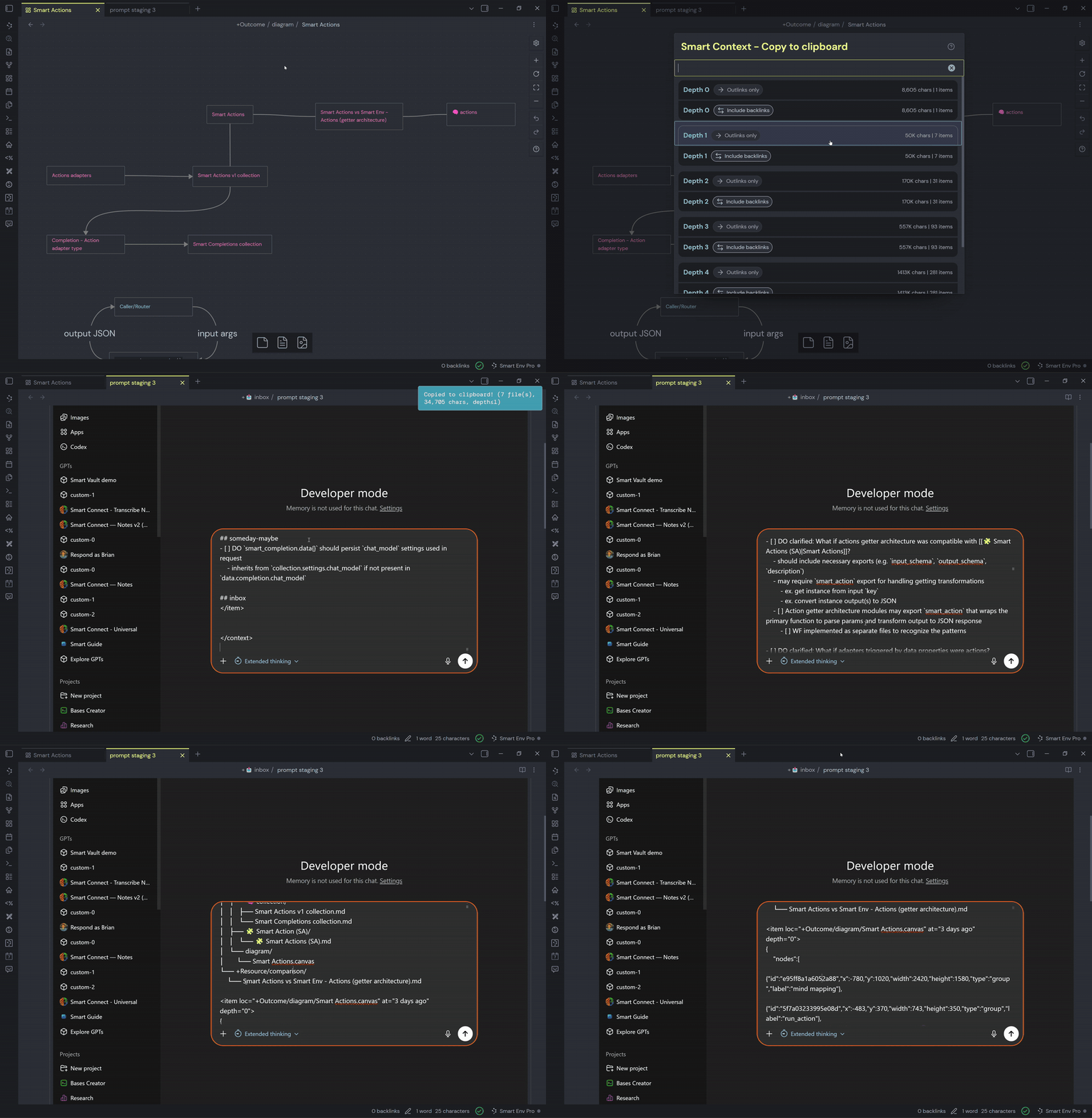
What works today
- Use current-note clipboard commands while a canvas file is active.
- Canvas node links are resolved into note references during context build.
- Link depth rules still apply after canvas links are resolved.
- Output remains template-formatted, so your copied bundle matches the rest of Smart Context exports.
Fast workflow
- Open a canvas that maps the project/problem space.
- Run Copy current to clipboard (choose link depth).
- Pick depth
0for only directly represented canvas notes, or1+to include linked references. - Paste into your chat tool and ask for synthesis, prioritization, or next actions.
When to use canvas-first copy
- You already use canvas as your planning surface.
- You want context organized by relationship before copying.
- You need a quick project snapshot that includes linked note evidence.