
Tune Smart Connections scoring and ranking algorithms
This page is retained temporarily and may contain outdated details. Use the current Smart Connections scoring documentation for current behavior. Start with Getting started with Smart Connections for the shortest verified workflow.
Use this page after the default Connections workflow already works, but a recurring result problem remains.
For example:
- useful notes appear, but the order is consistently wrong
- results come from too broad a candidate pool
- a project, folder, tag, or frontmatter pattern should matter more
- the same low-value notes keep returning
- a recurring workflow needs a repeatable ranking strategy
Connections Pro exposes scoring and ranking controls for those result-shaping problems.
If you have not seen any useful Connections result yet, start with Getting Started instead of tuning algorithms.
Start with the symptom:
| Symptom | Tune first | Why |
|---|---|---|
| Results are too broad | Results type, limits, filters | The candidate pool is probably too wide. |
| Results are relevant but ordered poorly | Ranking algorithm | The score is acceptable, but final order needs shaping. |
| Valuable project, folder, tag, or frontmatter notes are under-ranked | Score algorithm weights | The relevance signal needs metadata or path emphasis. |
| Same low-value notes keep returning | Feedback-aware scoring or filters | You need to steer recurring noise. |
| Similar notes are actually repeated work | Smart Dedupe | Cleanup is a review decision, not a ranking tweak. |
Tuning order
Recommended order:
- Choose the candidate pool.
- Adjust filters and limits.
- Select a score algorithm.
- Add ranking only when you need extra shaping.
- Use Dedupe when repeated material needs review, not when the list merely needs tuning.
Change one layer at a time. If you change scope, score, and ranking together, it becomes hard to know what helped.
Candidate pool
Choose a results collection key.
Smart Sourcesfor note-level discovery.Smart Blocksfor heading/block-level precision.
Use Sources when you want broader note-level overview.
Use Blocks when long notes hide the useful section and you need finer-grained matches.
If Blocks results feel noisy or heavy, return to Sources or tune block settings in Smart Environment.
Filters before algorithms
Filters decide what is allowed into the list.
Use filters before advanced scoring when the problem is scope.
Good filter use cases:
- keep results inside a client, project, area, or folder
- hide archives, templates, exports, or completed work
- focus on frontmatter such as
status:openortype:meeting - remove known low-value result pools before scoring
If you want notes excluded from indexing entirely, use Smart Environment exclusions instead.
Connections filters affect what is shown after Smart Environment has prepared the data.
Related:
Score algorithms
Score algorithms decide the primary relevance score for each candidate.
For tuning comparisons, use Cosine Similarity as the baseline.
Move to feedback or metadata weighting after you observe noisy, under-weighted, or over-weighted results.
| Algorithm | What it does | When to use |
|---|---|---|
| Cosine Similarity | Ranks by embedding similarity between the current note and candidates. | Baseline when you want stable, feedback-free results. |
| Similarity Adjusted by Feedback | Penalizes candidates similar to hidden notes. | When recurring noise keeps returning after you hide it. |
| Similarity Weighted by Feedback | Boosts candidates similar to pinned notes and dampens hidden notes. | When pinned and hidden signals represent real preference for a repeatable workflow. |
| Similarity Weighted by Key + Frontmatter | Multiplies similarity based on key fragments and frontmatter matches. | When metadata, paths, or headings should emphasize or de-emphasize results. |
Ranking algorithms
Ranking algorithms reorder already-scored candidates.
Use ranking when results are relevant but the final order feels wrong.
| Algorithm | What it does | Notes |
|---|---|---|
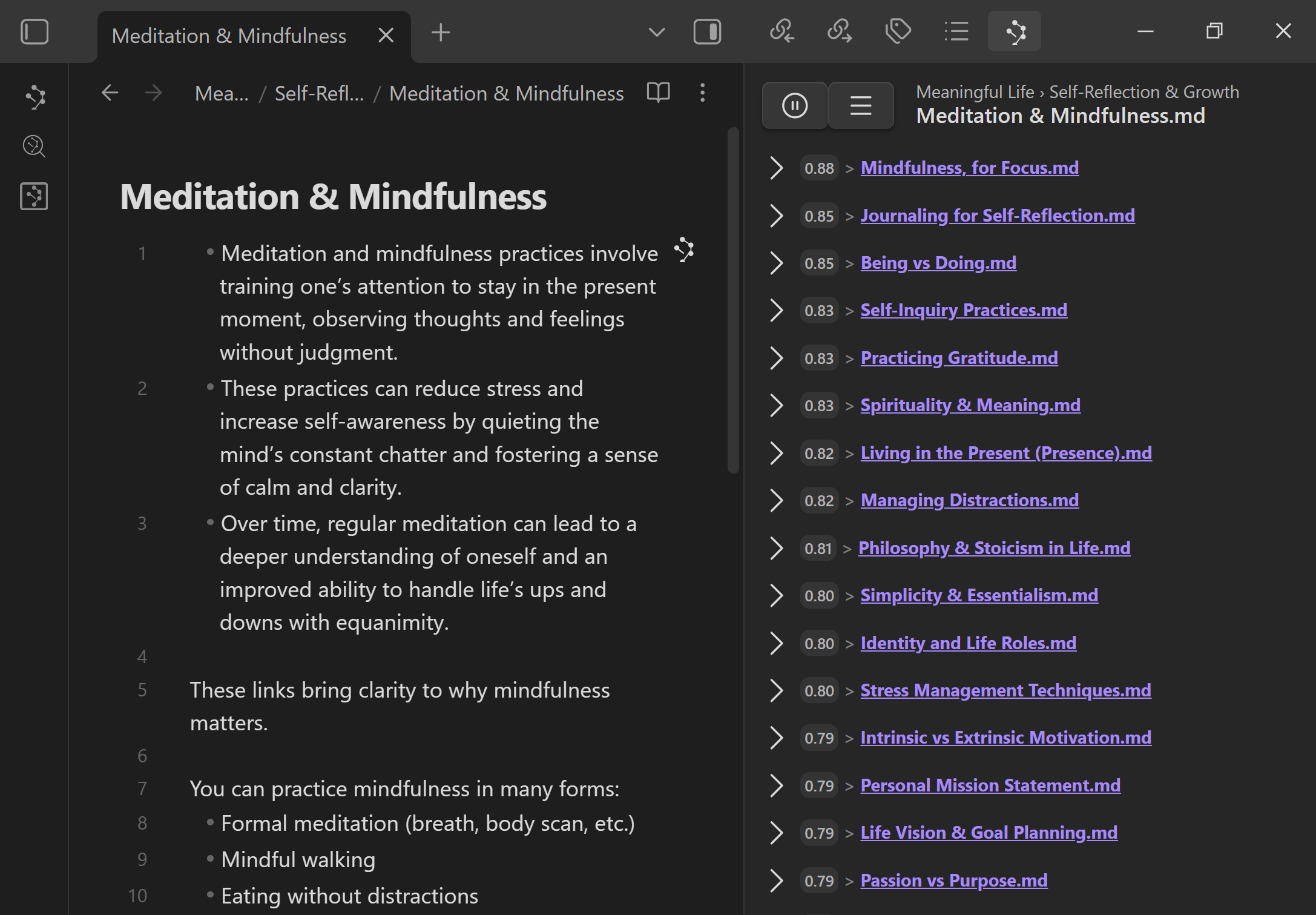
| None | Keeps the original score order. | Fastest option and best baseline for comparison. |
| Re-ranking model | Applies a reranking model to reorder the scored list. | Requires a configured Smart Rank model in Smart Environment Pro settings. |
| Recency rank | Orders results by most recently modified items. | Useful when freshness should dominate final order. |
base example for comparison reference point
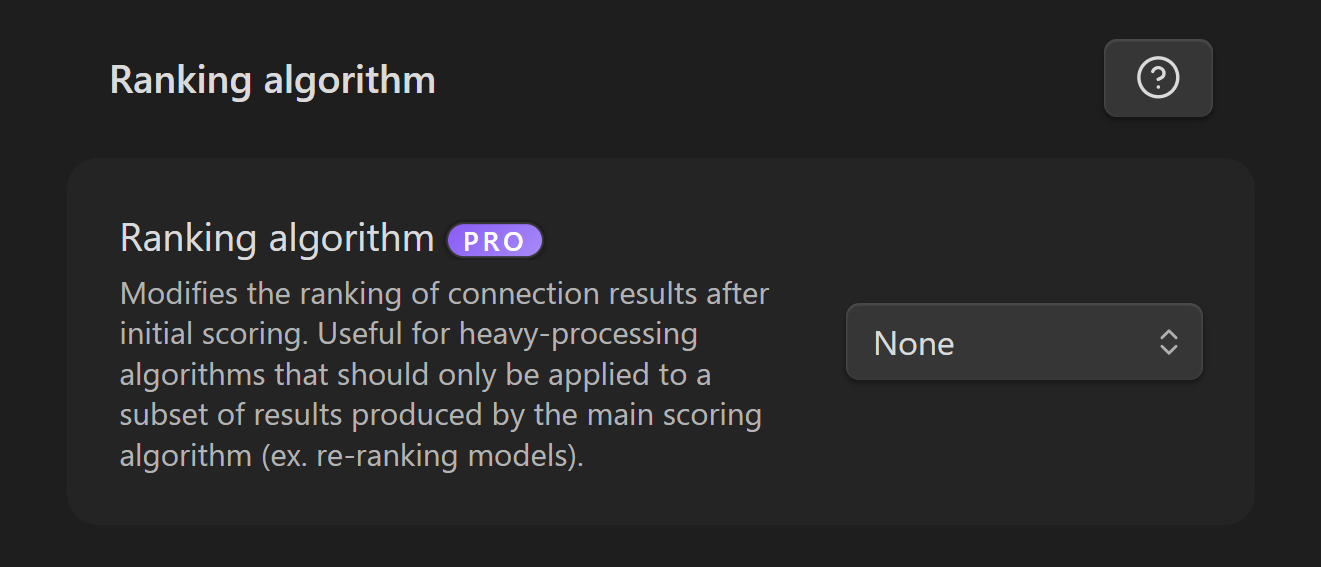
re-ranking model example
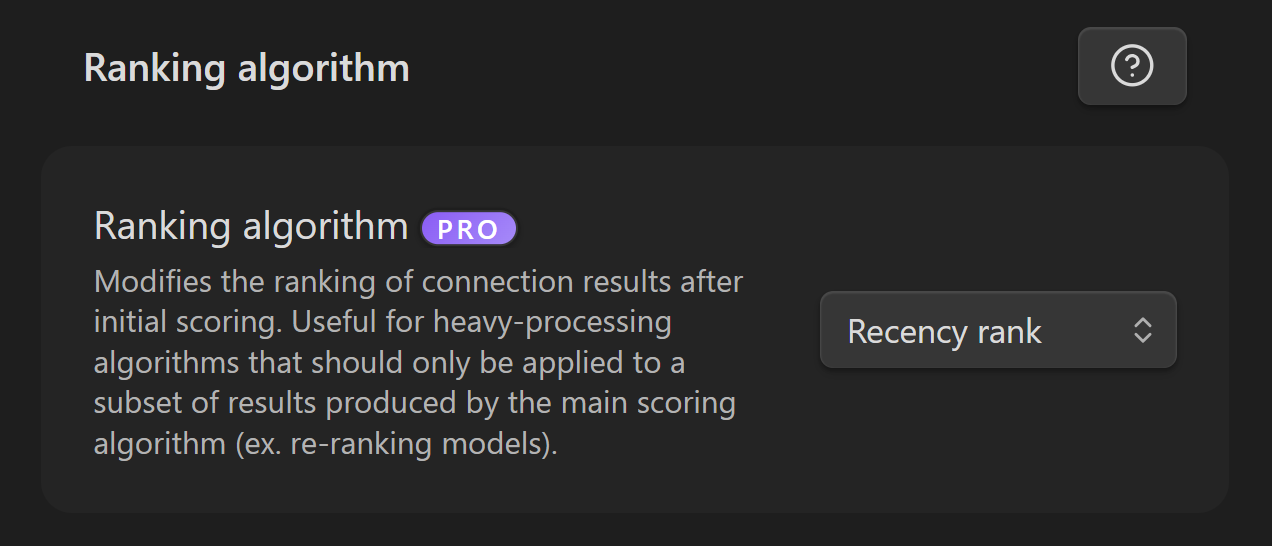
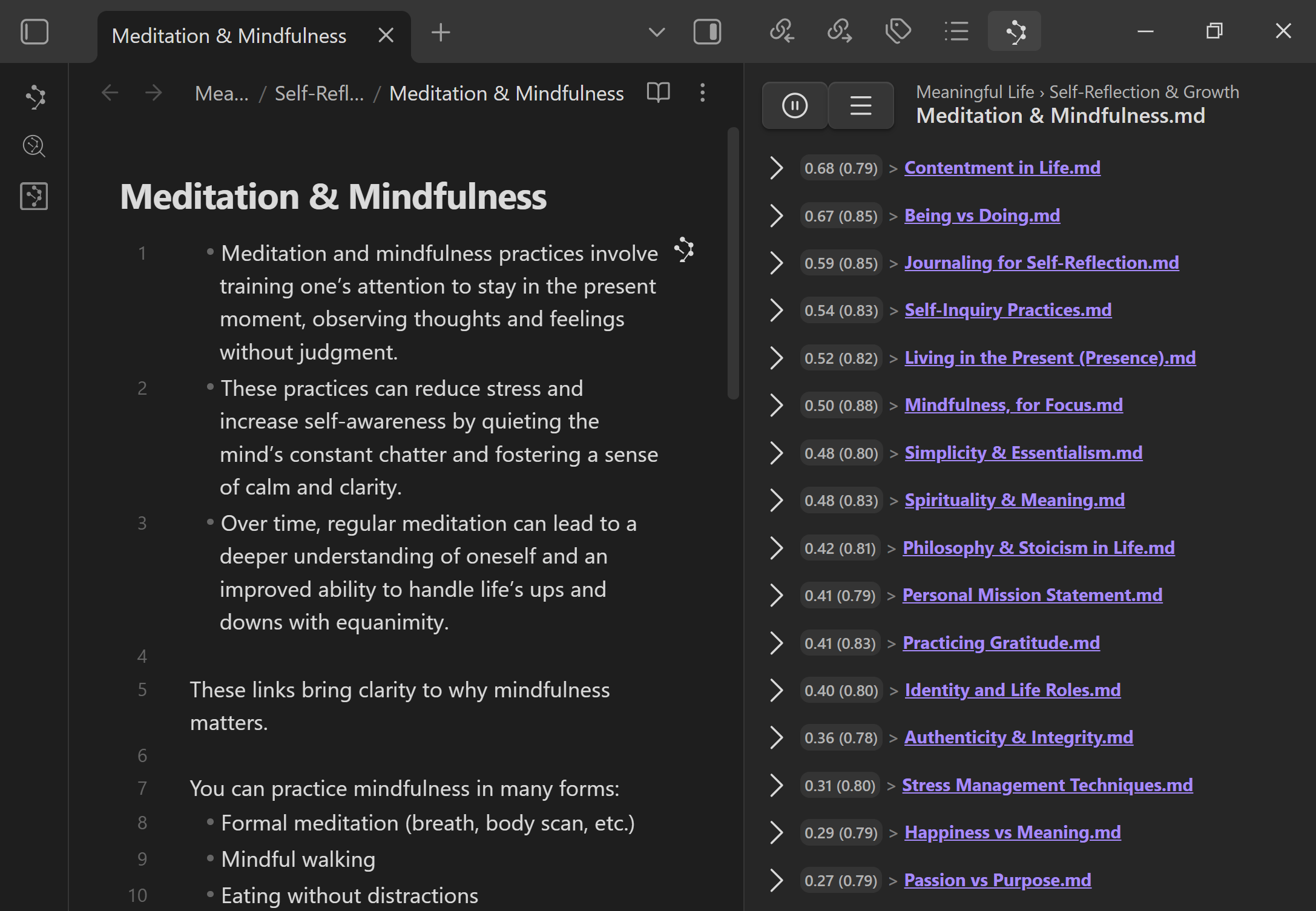
recency example
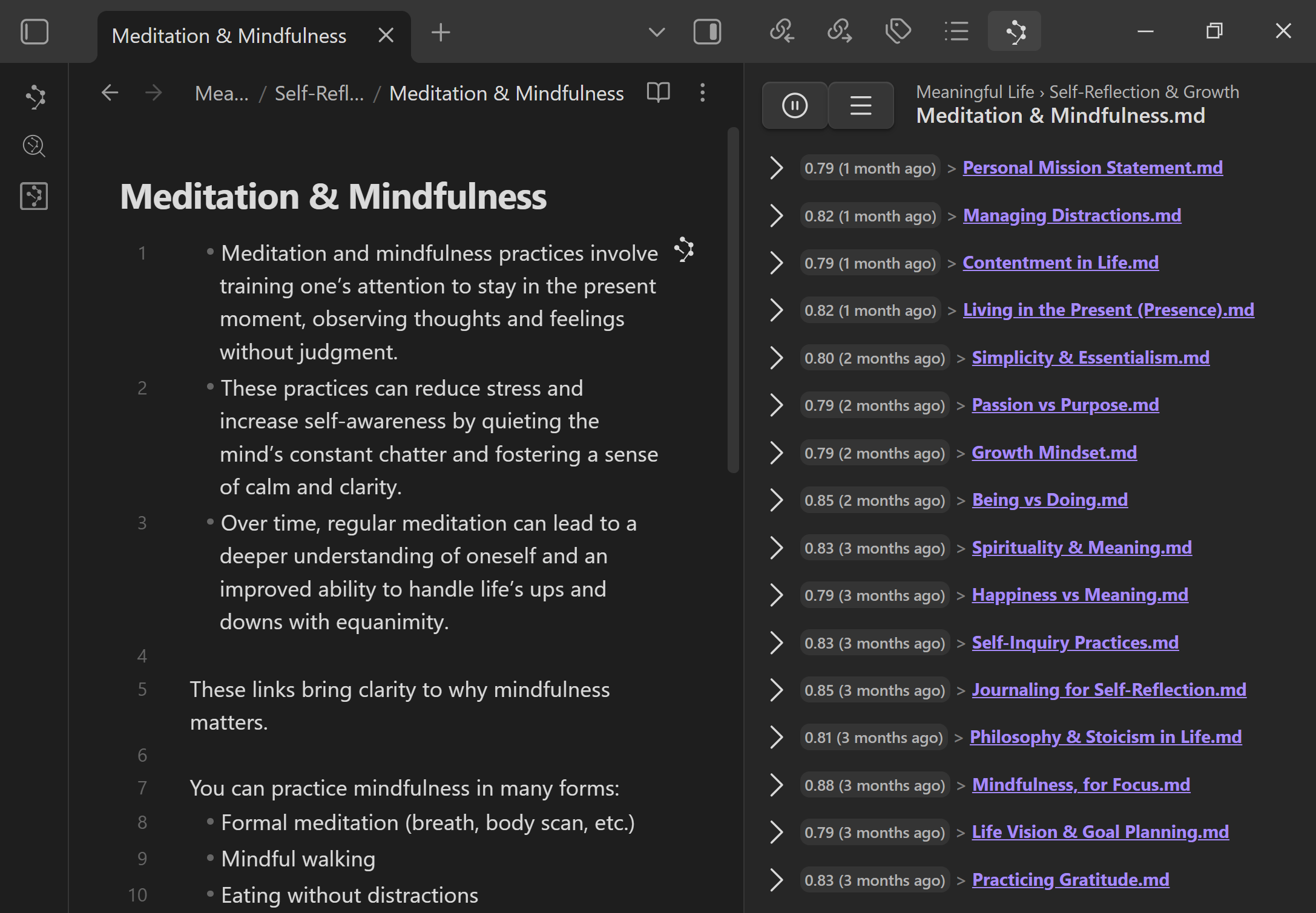
Score vs ranking boundary
Keep the boundary simple:
- Score algorithms decide relevance.
- Ranking algorithms decide final order after scoring.
- Filters decide which candidates are allowed into the list.
A practical rule:
Fix scope first. Tune relevance second. Reorder third. Clean up repeated work only after review.
Controls at a glance
- Results collection key selects Smart Sources or Smart Blocks as the candidate pool.
- Filters narrow which candidates appear.
- Score algorithm selects the primary relevance strategy.
- Ranking algorithm applies a secondary ordering stage.
- Post processing can run a configured rerank stage when a ranking model is available.
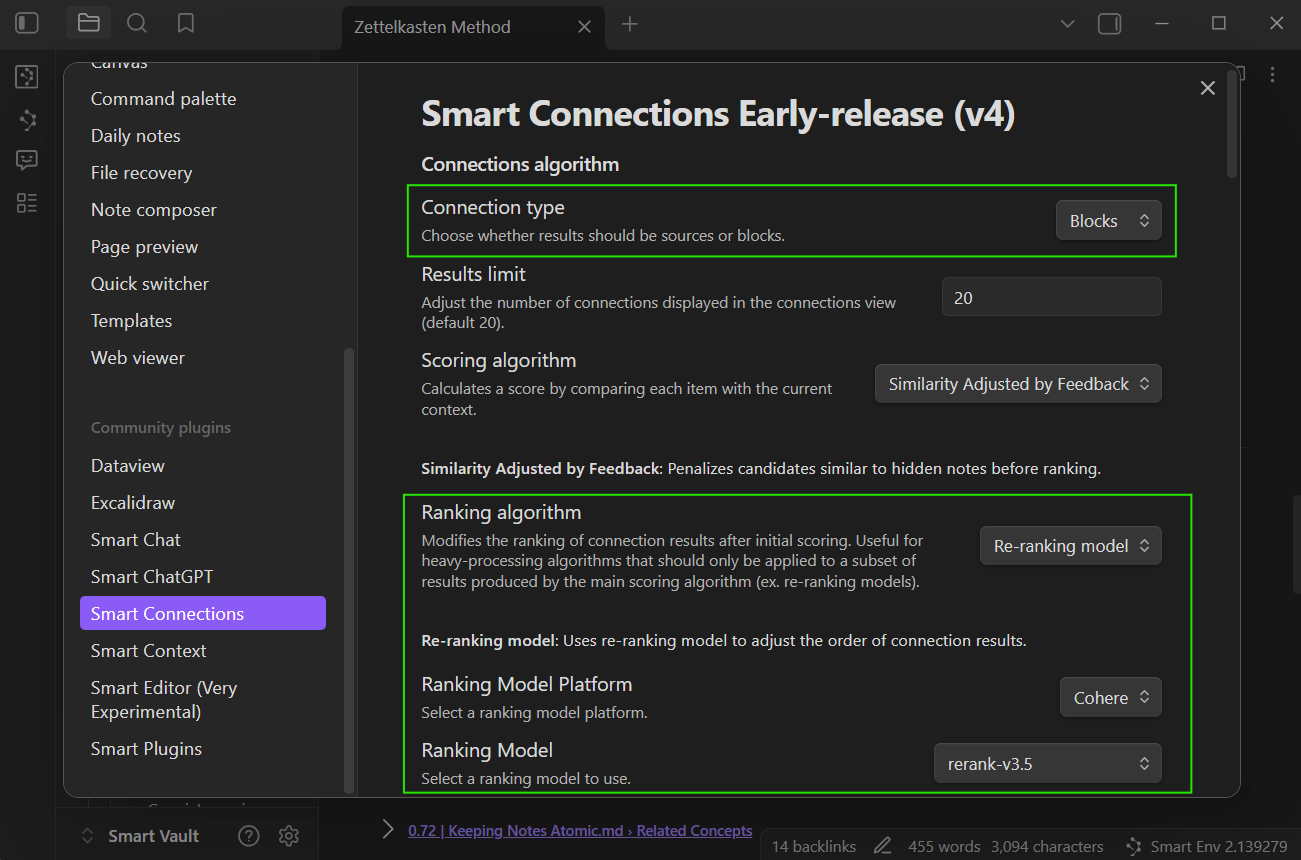
Practical presets
Default, low-maintenance
- Smart Sources
- Cosine Similarity
- None
Use this when you want stable, broad note-level discovery.
Reduce recurring noise
- Smart Sources
- Similarity Adjusted by Feedback
- None
Use this after hiding notes that keep polluting useful results.
Leverage explicit curation
- Smart Sources
- Similarity Weighted by Feedback
- Re-ranking model if needed
Use this when pinned and hidden signals represent real preference.
Metadata-driven retrieval
- Smart Blocks
- Similarity Weighted by Key + Frontmatter
- Recency rank if freshness matters
Use this when folders, keys, headings, or frontmatter should shape relevance.
Example weighting config
Use JSON in the score algorithm settings:
{
  "key_weights": {
    "Projects/": 1.2,
    "Readwise/": 0.8,
    "#High-value heading": 1.3
  },
  "meta_weights": {
    "status:evergreen": 1.15,
    "type=spec": 1.1,
    "reviewed": 1.05
  }
}
key_weightsapplies substring matches to key, path, or heading signals.meta_weightssupportskey,key:value, andkey=valuematchers.- Multiple matches multiply together.
This is best for structural intent.
Use recency ranking for freshness intent.
Tuning workflow
1. Establish a baseline
Start with:
- Smart Sources
- Cosine Similarity
- no ranking
- minimal filters
Open one real note and write down what feels wrong.
Do not tune against an empty test note or a note that has not produced any useful Connections result yet.
2. Fix scope
If results come from the wrong part of the vault, use filters first.
Do not use a ranking model to solve a scope problem.
3. Fix granularity
If whole notes are too broad, test Smart Blocks.
If blocks are too noisy or heavy, return to Sources or tune block settings in Smart Environment.
4. Fix signal
If the right notes exist but are consistently under-weighted, add metadata or feedback weighting.
Keep the candidate pool stable while testing signal changes.
5. Fix final order
If the right candidates are present but poorly ordered, add ranking.
Compare against the baseline before keeping the change.
6. Use Dedupe for repeated work
If the problem is that similar blocks should be compared, merged manually, archived, or ignored, use Smart Dedupe.
Similarity creates the question.
Dedupe review turns it into a decision.
Troubleshooting quick checks
Results feel too broad
Try:
- lowering result limits
- adding include filters
- excluding archives, templates, or exports
- switching to Smart Blocks when long notes hide the useful section
Use Connections settings for the exact controls.
Same low-value notes keep returning
Try:
- hiding those notes in the Connections workflow
- applying feedback-adjusted scoring
- adding path or frontmatter excludes
- confirming they should not be excluded in Smart Environment instead
Valuable tagged or foldered notes are under-ranked
Try:
- configuring key/frontmatter weights
- checking that metadata is spelled consistently
- keeping the score algorithm stable while testing weights
Results are relevant but ordering feels off
Try:
- adding a ranking algorithm
- testing a reranking model
- using recency rank when freshness matters
- comparing against the baseline before keeping the change
Similar results look like duplicates
Use Dedupe, not ranking.
Connections algorithms decide retrieval order.
Dedupe helps review likely repeated blocks or notes side by side.
No useful results appear at all
Do not start with algorithm tuning.
Use Getting Started to verify note eligibility and vault coverage first.