
Smart Lookup FAQs
What is Smart Lookup for Obsidian?
#Smart Lookup is question-first semantic search. You describe an idea, topic, or question in ordinary language, and Lookup returns ranked notes or note sections that may contain useful source material.
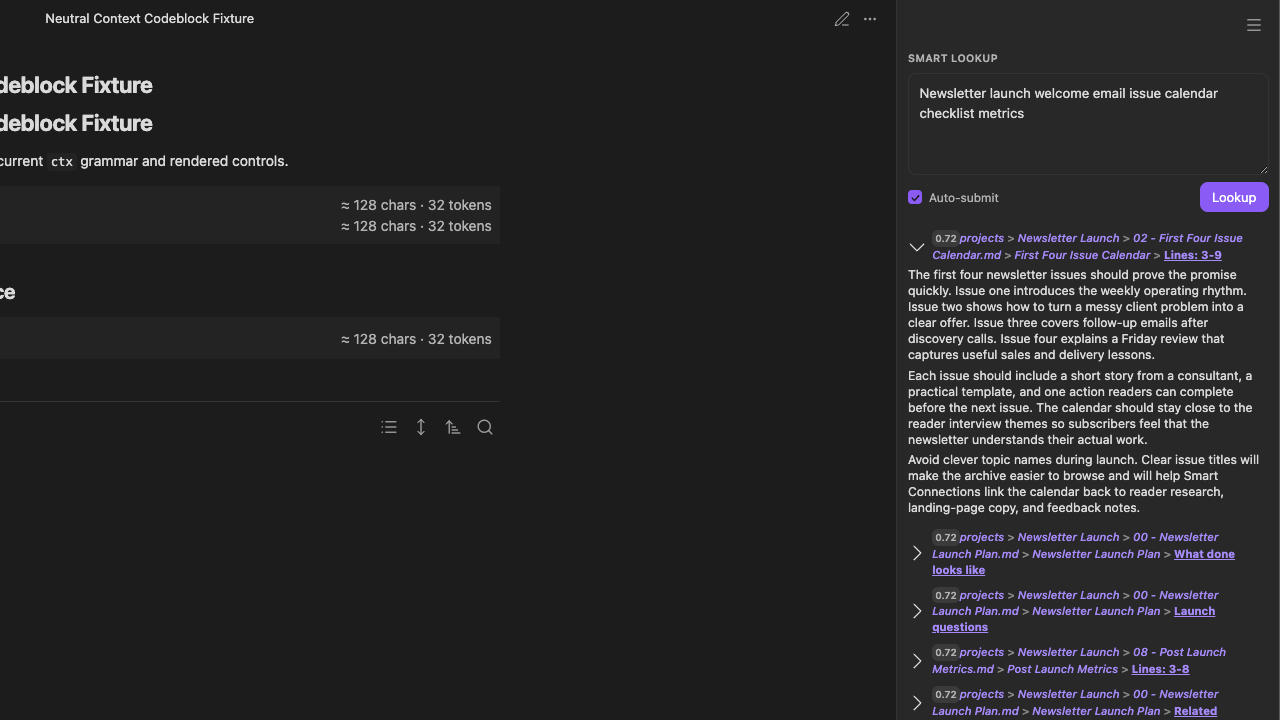
Lookup finds sources. It does not write or validate an answer.
When should I use Smart Lookup instead of Obsidian Search?
#Use Lookup when you remember the idea but not the exact wording. Use Obsidian Search for exact phrases, titles, headings, tags, operators, syntax, or regular expressions.
A useful rule is:
Question or idea -> Lookup
Exact text or syntax -> Obsidian Search
How is Smart Lookup different from Smart Connections?
#Lookup is question-first: you start with a query. Smart Connections is note-first: you start from the note you are already viewing.
Why did my exact phrase not appear near the top?
#Lookup ranks by semantic similarity rather than literal word overlap. A note using different vocabulary can rank highly when its meaning is close to the query. Use Obsidian Search when the exact phrase must appear.
Why did Lookup return a result without my exact words?
#That is a normal semantic-search result. Expand the row. Read the excerpt to decide whether the underlying idea actually matches.
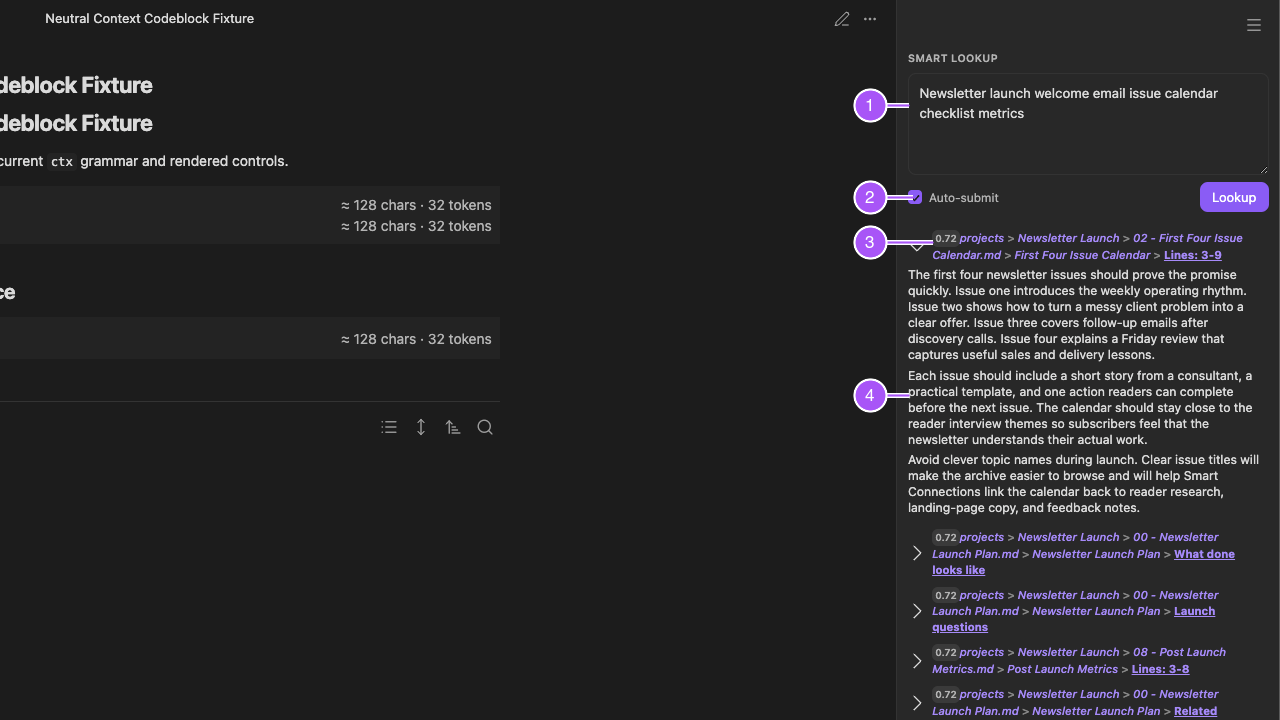
- The natural-language query anchors retrieval.
- Auto-submit controls whether results refresh after typing pauses.
- Score, path, heading, and line metadata identify the candidate.
- The expanded excerpt is where you judge usefulness.
Is the top score confidence or correctness?
#No. The score ranks results only for the current query. It is not a confidence percentage or correctness grade, and scores should not be compared across different queries. Expand the result and read the source.
Should I return Sources or Blocks?
#Start with Sources for whole-note discovery. Switch to Blocks when the correct note is long and the useful section is difficult to find. The result type changes retrieval granularity. It does not change the need to review the source.
Should I use Auto-submit or run Lookup manually?
#Use Auto-submit when you want results to refresh automatically. Turn it off and choose Lookup when you want to finish the query before running it.
Can I return to an earlier question?
#Use Previous query and Next query in the Lookup toolbar. Confirm the restored query and its results before continuing; navigating query history does not automatically open a result in the editor.
Does normal Lookup call a chat model?
#No. Normal Lookup searches from the query. Generate HyDE is a separate explicit action that uses the configured default chat model to create a hypothetical document for retrieval. Its HyDE context results setting controls how many top query matches are sent as bounded excerpts; zero omits excerpts.
The generated document is not evidence. Inspect the returned real sources. If HyDE fails and ordinary query results appear instead, review Events and notifications before claiming generation succeeded.
Should I trust the top result?
#Preview it first. Ranking is a review order, not a guarantee. Expand the result. Inspect the note identity. Open the source when the excerpt is not enough.
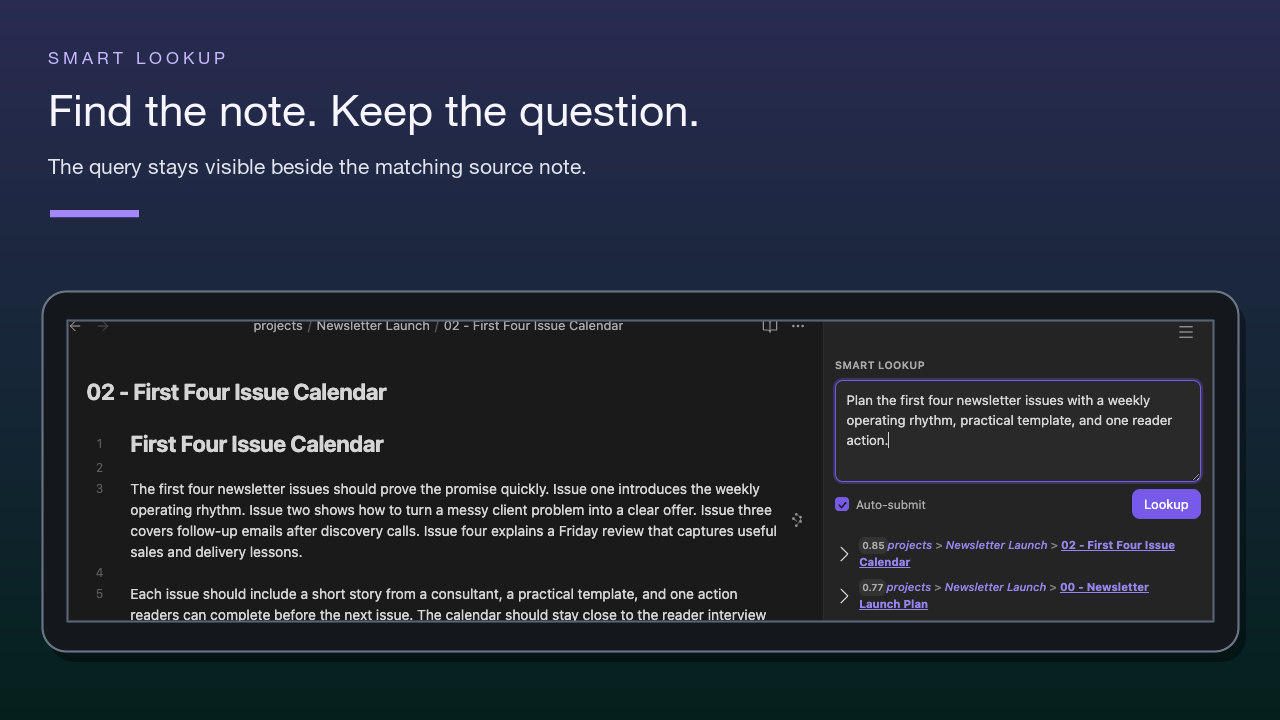
The selected Lookup result and its opened source note appear side by side.
What should I do after finding the right notes?
#Use the result in the workflow that owns the next task:
- Open the note. Continue reading.
- Link it into the working note.
- Drag it into a supported destination.
- Assemble a reviewed package with Smart Context.
- Inspect a reviewed result set in Smart Graph.
- Use approved sources in Smart Chat.
After a handoff, confirm that the expected source appears in the destination.
Is Open in Context Builder a per-result action?
#No. The top-right three-dot menu applies to the whole result list. Use Open in Context Builder or Explore in Smart Graph to transfer the current result list. Open or drag one result when only that source should move.
Does Explore in Smart Graph transfer every result?
#Not necessarily. Graph opens with a source set derived from the reviewed Lookup results, and its scope can be adjusted there.
What should I do when Lookup results are weak?
#Add one distinguishing noun, project, audience, or constraint when results are broad. Remove the least important constraint when they are narrow. Use Blocks when a long note hides the passage. If several known topics return empty or stale results, check Smart Environment readiness and exclusions.