
Copy current note as context
Copy current note as context is the fastest way to turn the active note into a controlled clipboard bundle.
Run the chooser command when you want to inspect depth before copying.
Use the fixed-depth commands when you want the same result on a hotkey.
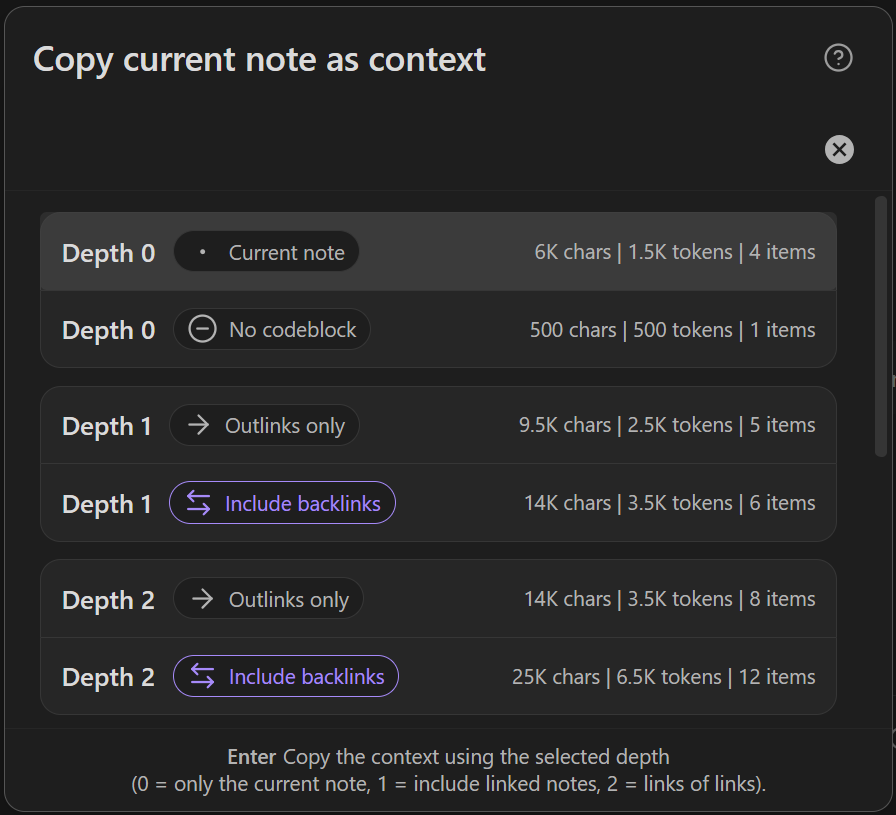
Open the chooser
Command:
Copy current to clipboard (choose link depth)
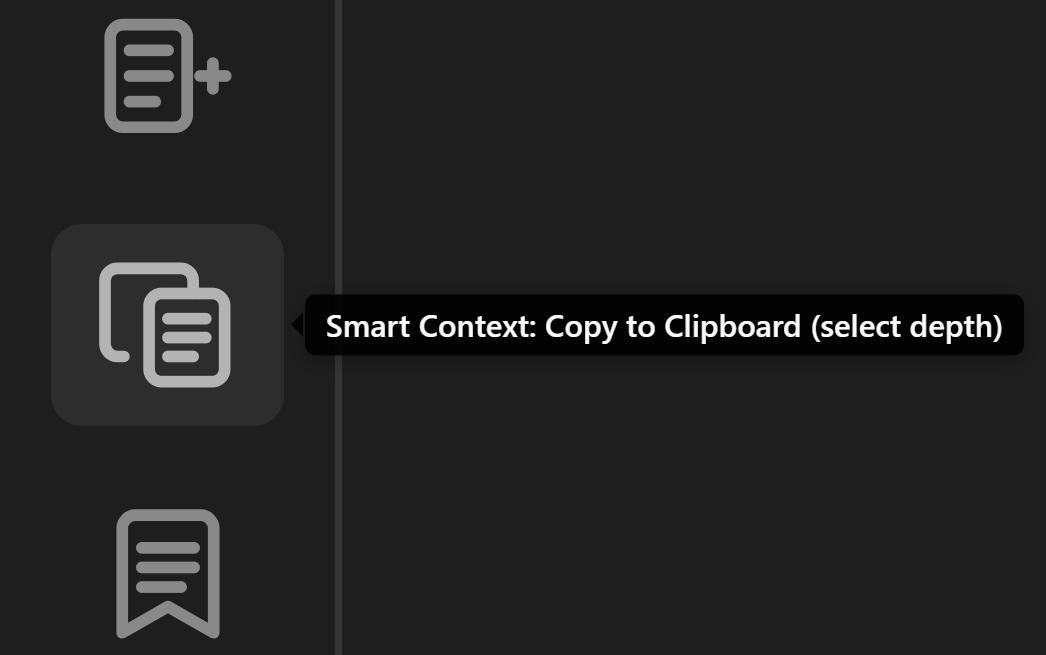
Ribbon icon:
When the command runs, Smart Context:
- builds context from the active source
- merges hydrated codeblock items from the same note at depth
0 - opens the depth chooser before anything is copied
On Pro, the same current-source flow also extends to deeper fixed-depth commands and Bases-file support.
What the chooser is showing
Each row is a copy target.
The modal shown here includes:
Depth 0rows for the current note- a
No codeblockoption when the note has a Smart Context codeblock and you want the note body only Depth 1+rows for linked context- paired rows for
Outlinks onlyandInclude backlinks
Each row also shows:
- characters
- approximate tokens
- item count
That gives you a quick size check before the clipboard write happens.
What each depth means
Depth 0copies only the active note, plus hydrated codeblock items unless you chooseNo codeblockDepth 1includes directly linked notesDepth 2includes links of links- deeper rows continue the same pattern where available
Embedded links in the starting note are treated as depth 0.
Outlinks only vs include backlinks
Use Outlinks only when:
- the current note already points at the key supporting notes
- you want the smallest reliable bundle
Use Include backlinks when:
- inbound references add important context
- you are tracing how the rest of the vault connects back to the current note
Fixed-depth commands for hotkeys
Core exposes direct current-note copy commands for:
Depth 0Depth 1
Each depth has:
without backlinkswith backlinks
Pro adds the same direct commands for:
Depth 2Depth 3
That makes it easy to bind one preferred copy depth to a hotkey.
Good defaults
Start with Depth 0 when the current note already holds the question or brief.
Use Depth 1 when the note links to the ground truth.
Only go deeper when the first hop still misses needed context.