
Substrate Update
Smart Environment is the shared local layer that powers Smart Plugins. It loads shared sources, models, settings, events, and status once so Smart Connections, Smart Context, Smart Chat, Smart Templates, and companion plugins can work from the same environment.
Why "Substrate Update"
The Substrate Update makes significant changes to the surface, or substrate, on which the Smart Plugins exist. Changes are focused around the integration points, like the use of Obsidian native notifications.
Key changes include:
- Fewer notifications with more control (mute all)
- Improved visibility into what's happening in the Smart Environment
- Better handling of additional plugins that utilize the same environment
Improved loading surfaces
Desktop and mobile now show Smart Environment activity in ways that better fit each platform.
On desktop, loading and embedding notifications have been moved out of repeated native notices and into the status bar when possible. That keeps progress visible without interrupting your work.
On mobile, where the status bar is unavailable, Smart Environment now has a dedicated loading and status surface so you can still monitor progress while Smart Plugins are starting up or processing your notes.

More control over notifications
The substrate update finally removes the dependency on notifications for gaining visibility into the Smart Environment internal processes.
It is now easy to mute all notifications while maintaining a way to understand what Smart Environment is doing.
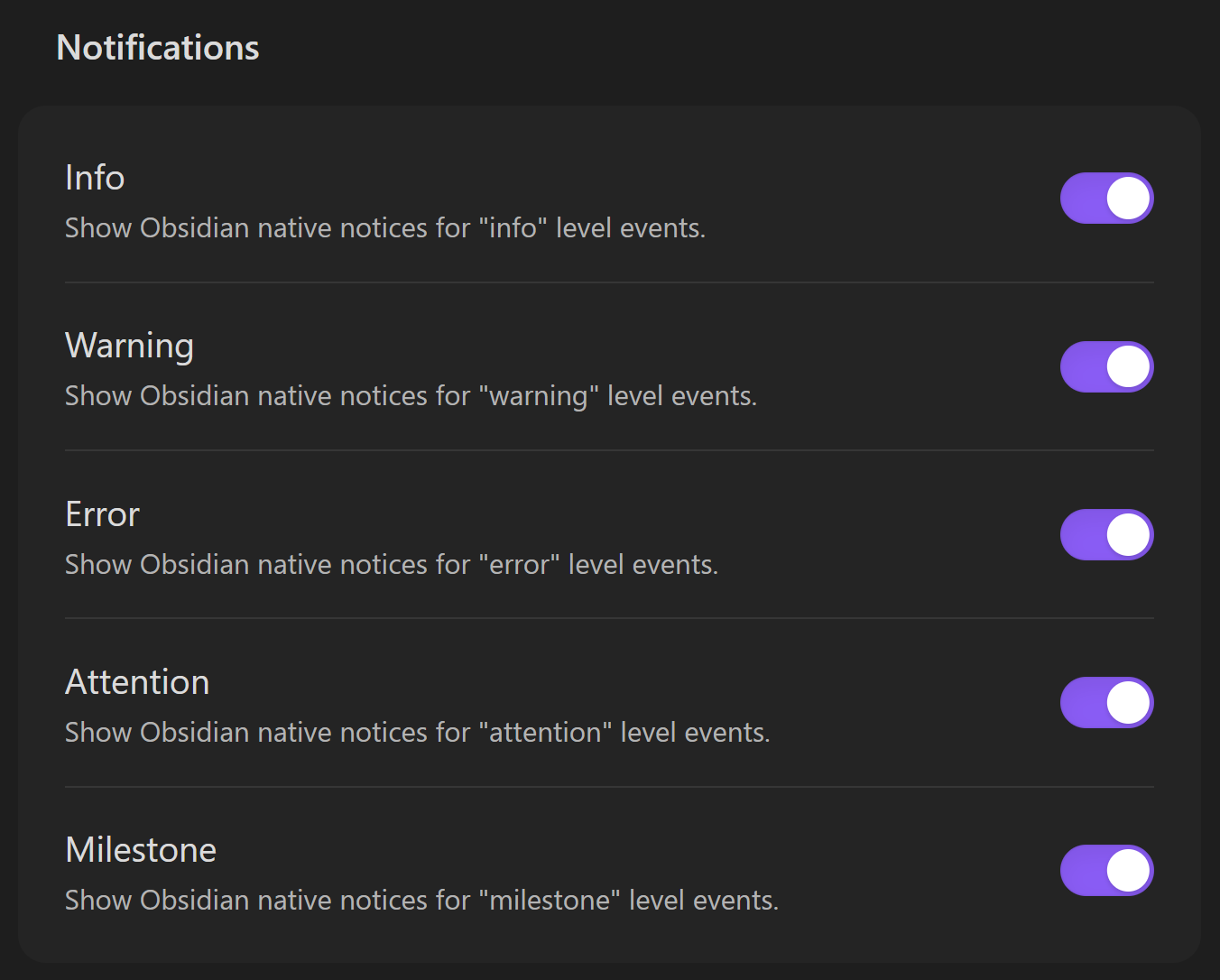
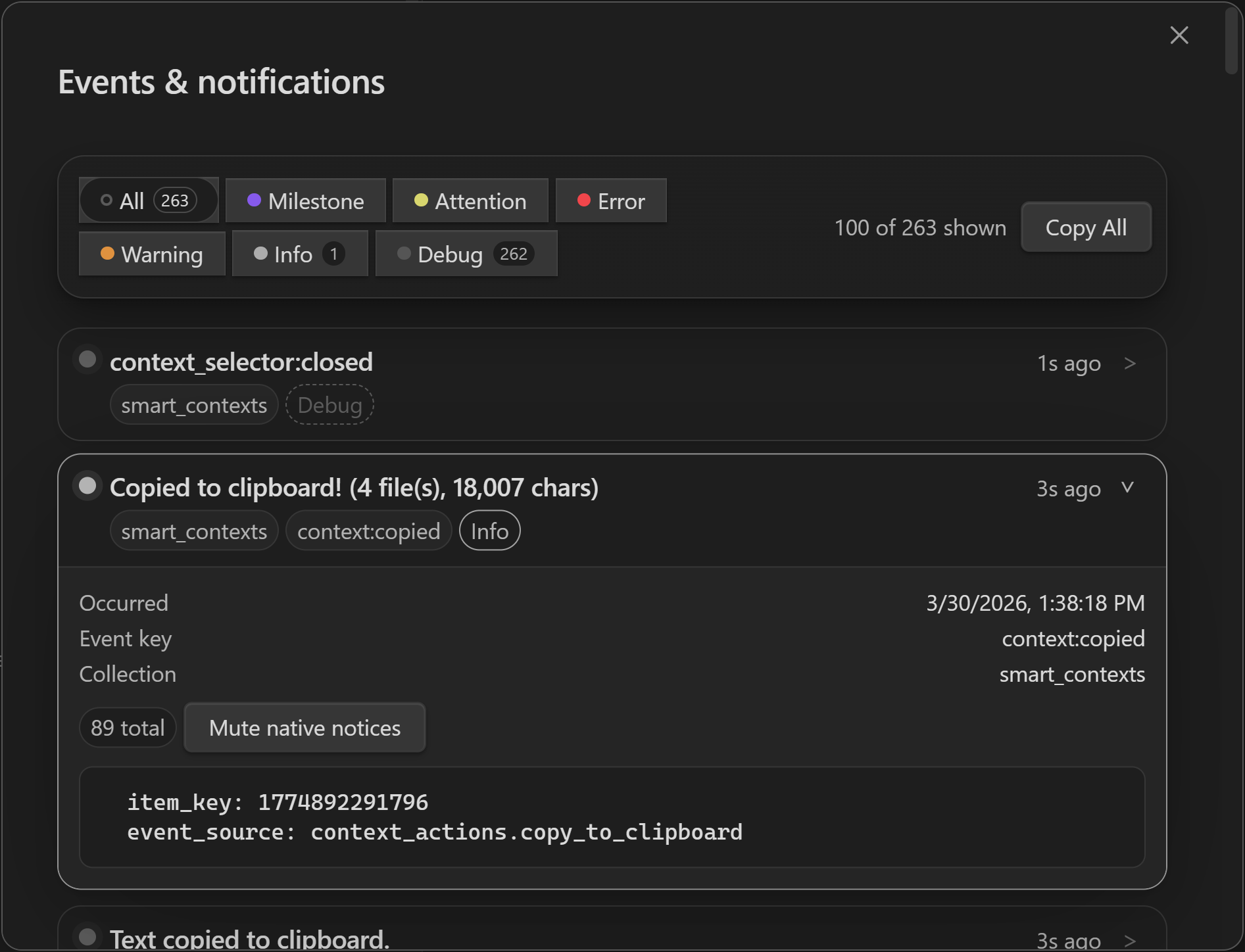
Notifications can now be controlled by event level, including Info, Warning, Error, Attention, and Milestone. If you mute a level, native Obsidian notices for that level stop appearing, but the events are still available in the feed and can still surface briefly in the status bar when that makes sense.
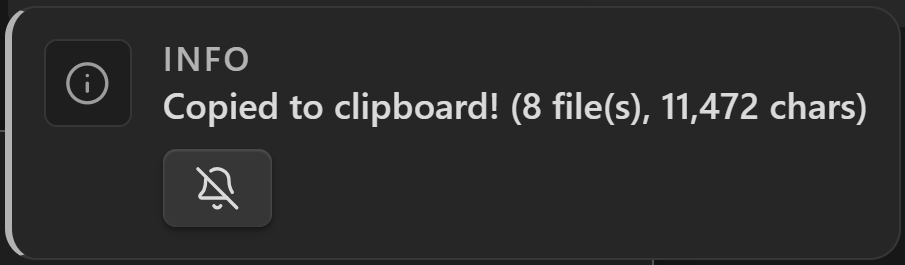
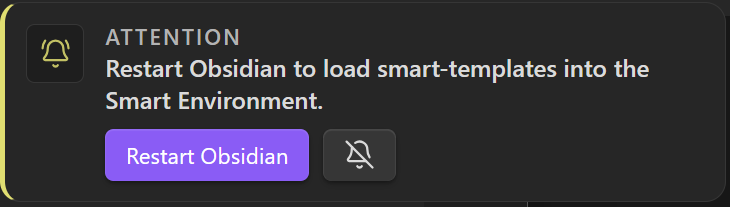
Native notices are also more informative. They now show the event level and include a quick mute action so you can silence a specific type of notice without turning off the whole level.
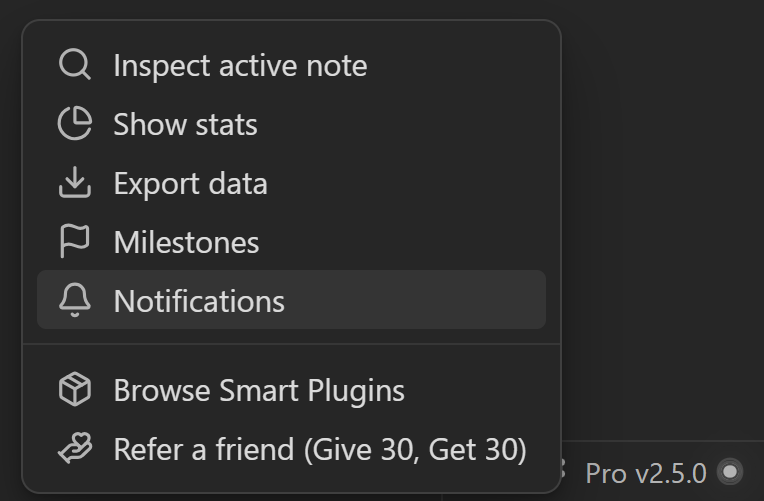
Open the "Events & notifications" window from the status bar to get a fuller view of what happened, with filters by level, rich event details, and controls for muting individual event types.
Improved organization
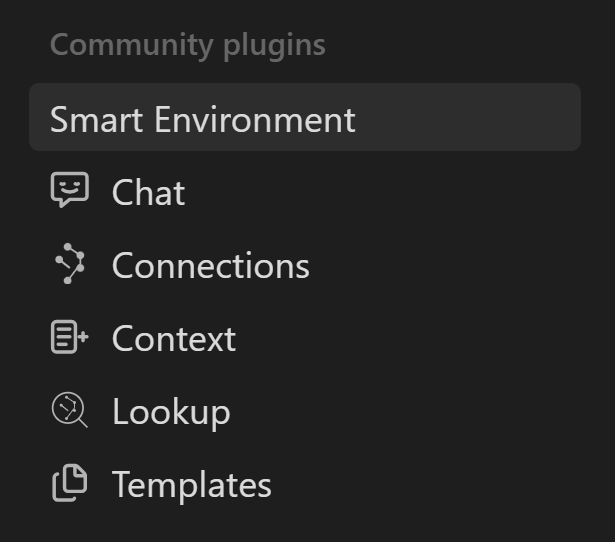
The global Smart Environment settings tab is now available in all Core plugins to further clean-up the individual plugin settings.
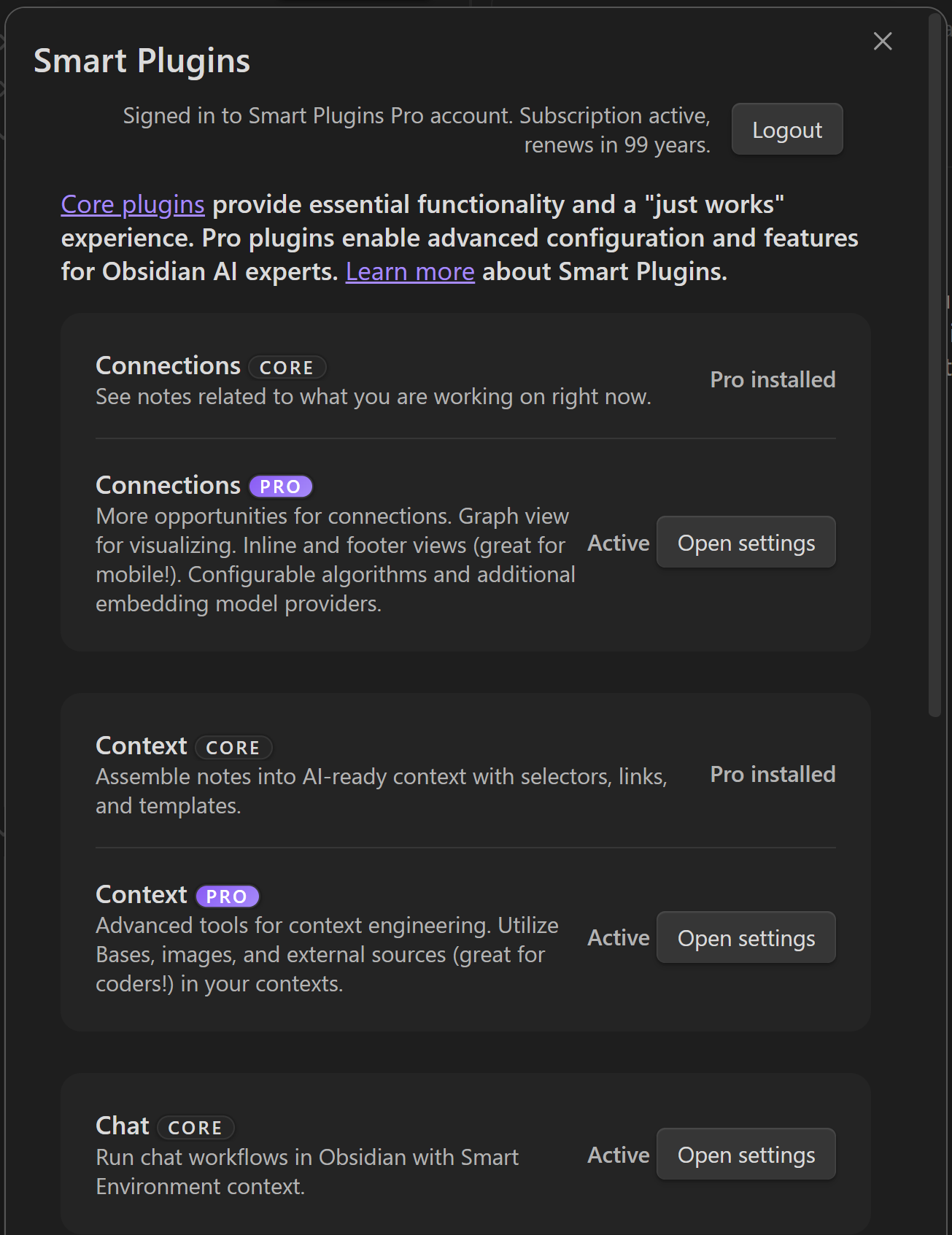
You can open the Smart Plugins view from settings, the status bar, or the command palette. This keeps Smart Environment settings focused on configuration while giving Smart Plugins their own clearer home.
Browse All Smart Plugins
Smart Plugins are now easier to discover and manage from a dedicated view. That means cleaner settings tabs for each plugin.
Cleaner startup
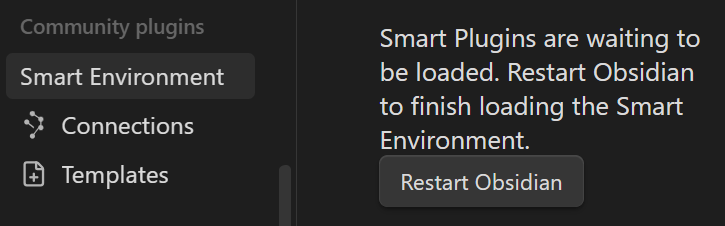
Enabled Smart Plugins register with the Smart Environment on Obsidian startup. After that, Smart Environment loads once for the session. If you enable or update a Smart Plugin after the environment is already running, Obsidian will now ask you to restart so the plugin can be wired into the shared environment cleanly.
That change prevents the confusing partial-load state where a plugin might appear enabled while shared components, watchers, actions, or status UI were only half attached.
Other changes
- Fixed a startup issue that could cause a subset of blocks to be re-embedded after each restart.