
Connect Pro
Let ChatGPT take real actions in your Obsidian vault.
Connect Pro uses Obsidian CLI and currently requires Obsidian 1.12+ (early access) with a Catalyst license.
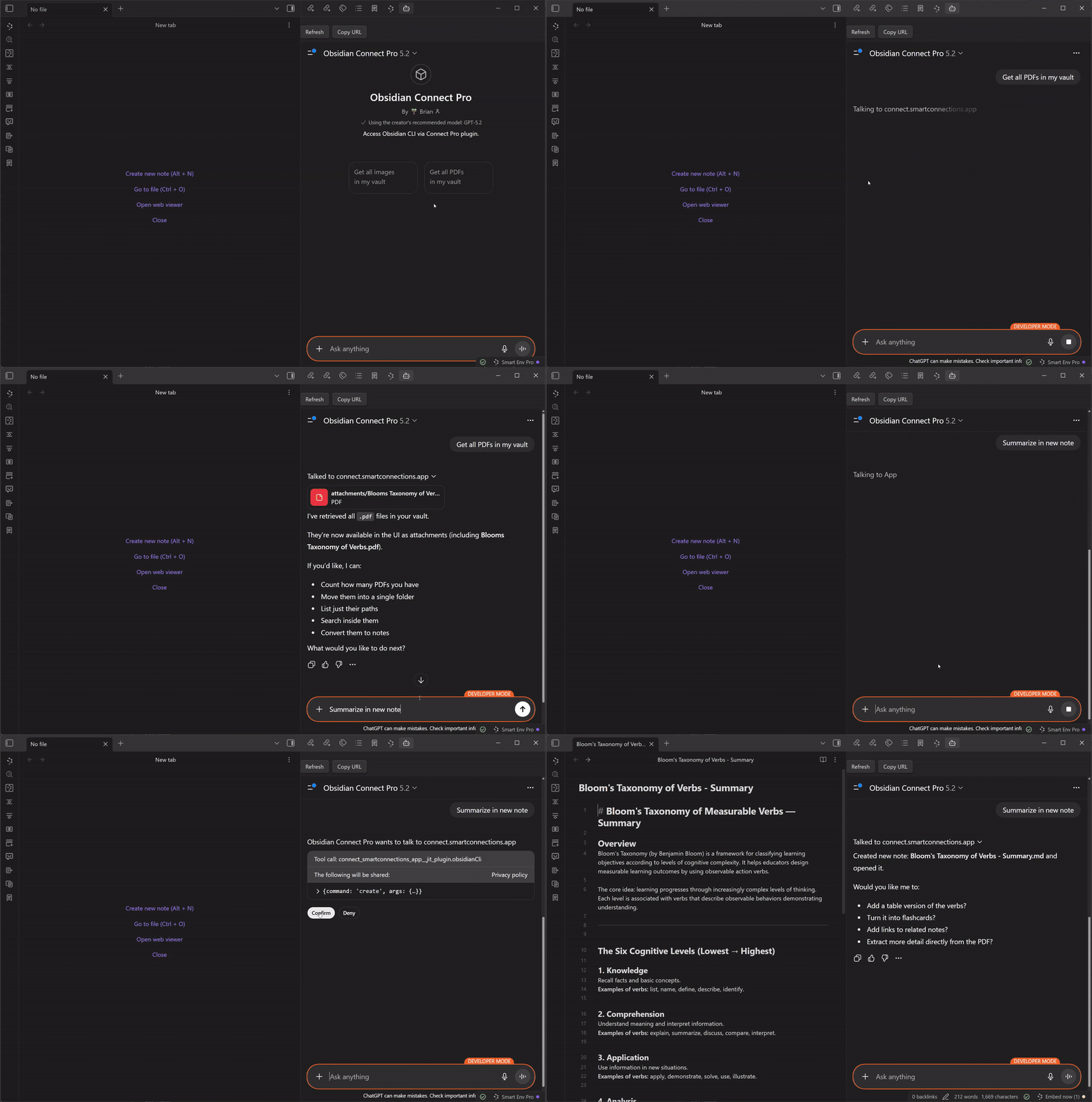
Connect Pro creates a secure tunnel from Obsidian Desktop to the Official Obsidian CLI GPT so you can run vault workflows from chat: create notes, update daily notes, triage tasks, query Bases, and manage metadata.
Why this exists
- Turn chat into actions: stop copying prompts between tools.
- Stay in flow inside Obsidian: keep outcomes in your vault, not scattered tabs.
- Your vault becomes the control surface: search, create, append, triage, and refactor from one command surface.
- You stay in control: explicit connect/disconnect, no hidden background agent.
3 steps to first success
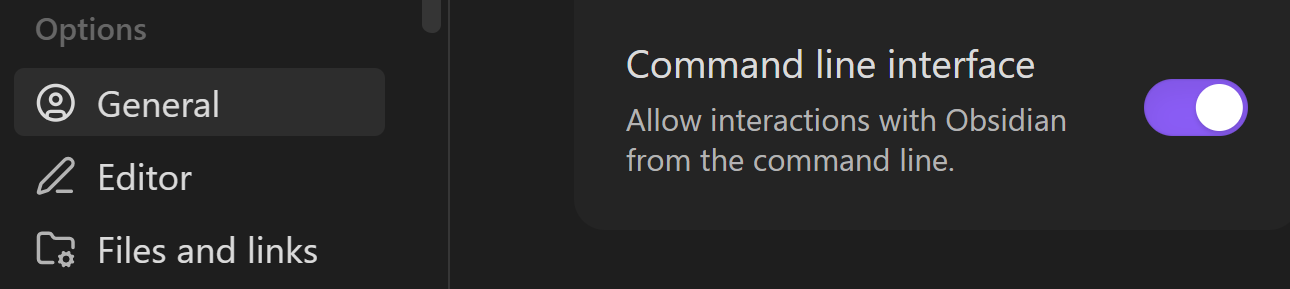
- Start a trial and install Connect Pro.
- Enable Obsidian CLI in your desktop vault.
- Open the Official GPT and run your first command.
Get Connect Pro
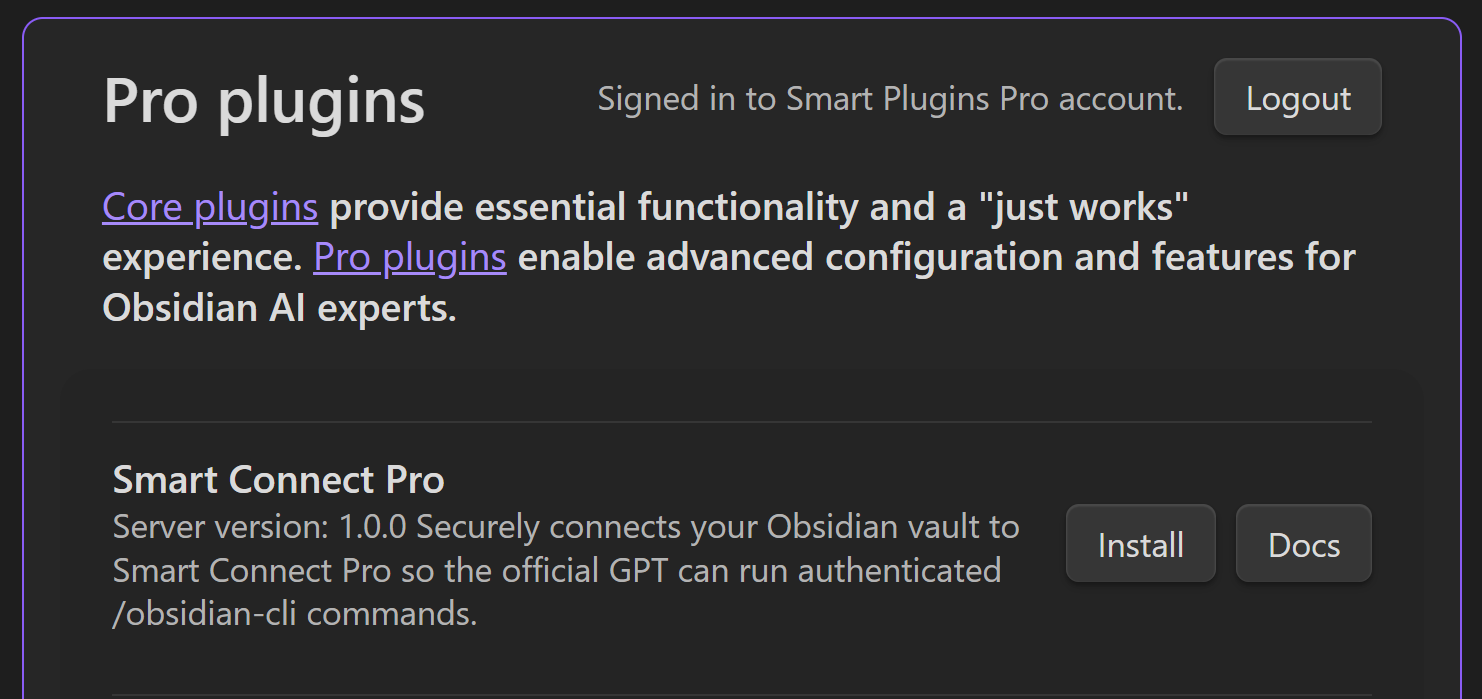
Enable Obsidian CLI
Use the Official GPT
Use the Official GPT from any device once Connect Pro is installed and CLI is enabled.
Outcome-led workflows
- Capture to daily note without context switching.
- Create structured notes from templates.
- Run vault-wide task triage into one review note.
- Export weekly review snapshots from Bases.
- Perform bulk metadata updates.
- Run link-hygiene reports (orphans, unresolved links, dead ends).
FAQ
Where is the Smart Connect app?
The Smart Connect app is being replaced by Connect Pro as the recommended path for ChatGPT + Obsidian integration.
Is SC App still available?
SC App remains available for Pro subscribers in the near term, but Connect Pro is now the default and actively recommended path.
Is there an OpenAPI endpoint for this setup?
Not in v1. Official GPT is the supported path for lower setup/support overhead.